
FruityToon
Hear a request turn into an argument
Orange asks his boss to help find out who is taking his lunch. She cuts the conversation short and tells him to get back to work.
Give each speaker a different goal. Here, one wants help and the other wants the conversation over. Their posture and the change in tone tell you who is in charge.
Prepare the speaker, line and pronunciation
- Name the visible speaker. Describe the fruit head, face and body. Keep the mouth in view during the line; make another character’s silence explicit if they are present.
- Write the spoken words. Read them aloud in the language you intend. Simplify difficult phrases or split a reply into another planned shot when it does not fit your chosen clip.
- Describe the delivery in plain words. “Calm and helpful” gives the scene an intention. Listen to the generated voice and pronunciation to decide whether the line needs simpler wording.
Original brief: a pear at the support desk
The pear is an adult support worker with a fruit head on a stylized human body. The line is “Pear support speaking. How can I help?” The pear/pair sound is a small visual joke; the desk and fruit head give it context.
This is a writing example, not a generated or tested video. Adapt this idea to your character and preferred way of speaking.
SPEAKER: an adult pear-headed support worker, stylized human body.
FACE: eyes, brows and a visible mouth formed in the pear's surface.
OUTFIT: blue shirt, cream headset, no logos.
SETTING: quiet support desk, soft daylight, no readable screens.
ACTION: the pear looks up and gently holds the headset earpiece.
SPOKEN LINE: "Pear support speaking. How can I help?"
LANGUAGE AND DELIVERY: English, calm and helpful.
CAMERA: stable medium shot; face and mouth remain visible.
REVIEW: speaker, spoken words, mouth motion and caption text.
If a word is unclear in the render, try a simpler sentence and review the next attempt. Keep the speaker and action unchanged while you compare the pronunciation.
Check the voice, mouth and captions separately
- Listen first: are the intended words audible, understandable and spoken by the right character?
- Watch the mouth: does its movement match the audible line, and does the face stay visible while the character speaks?
- Compare the captions: do they reproduce what you hear, and can you read them without losing the character’s expression?
- Review the next attempt: change the unclear wording or action deliberately, then check whether that change helped. Each new generation can consume credits.
Choose the guide for your next task
For food character shapes, hands and props, use the AI food video guide. For a sequence of scenes, visit the fruit story workflow.
Frequently asked questions
What is a talking fruit video?
It is a video in which a fruit character speaks and acts. You can define an edible fruit head, a stylized human body and a visible mouth, then prepare the line and action. FruitStory helps generate the scenes, voice and captions; review the result before sharing.
How do I prepare a line for my fruit character?
Name the speaker, write the words you want spoken and describe one visible action. Read the line aloud before generating. If it is difficult to say or fit into your chosen clip, simplify it or plan a separate shot for the reply.
How do I check lip-sync and pronunciation?
Watch the mouth while listening to the line, then listen again without relying on captions. Check that the visible speaker says the intended words. Rephrase unclear words or simplify the scene for the next attempt; mouth movement and pronunciation need review after generation.
Can two characters speak in the same story?
You can plan a dialogue, but a first test is easier to inspect with one visible speaker. Put each reply in a clearly described shot and keep the other character's role explicit. Listen to the finished sequence to check who actually speaks.
Are talking fruit videos free?
You can create an account without a credit card. The 500 welcome credits cover one image, not a complete talking fruit video. Consult the costs page when planning your project. Studio shows the cost of each image or clip on its generation button; Express starts the complete story without a quote screen. A new attempt uses additional credits.
Will the voice and character be identical in every video?
Use a stable character reference and describe the intended language and delivery in your brief. Compare appearance and voice between renders: generated details can vary. Check each result rather than relying on an identical voice or face across a series.
Is the pear brief a generated video?
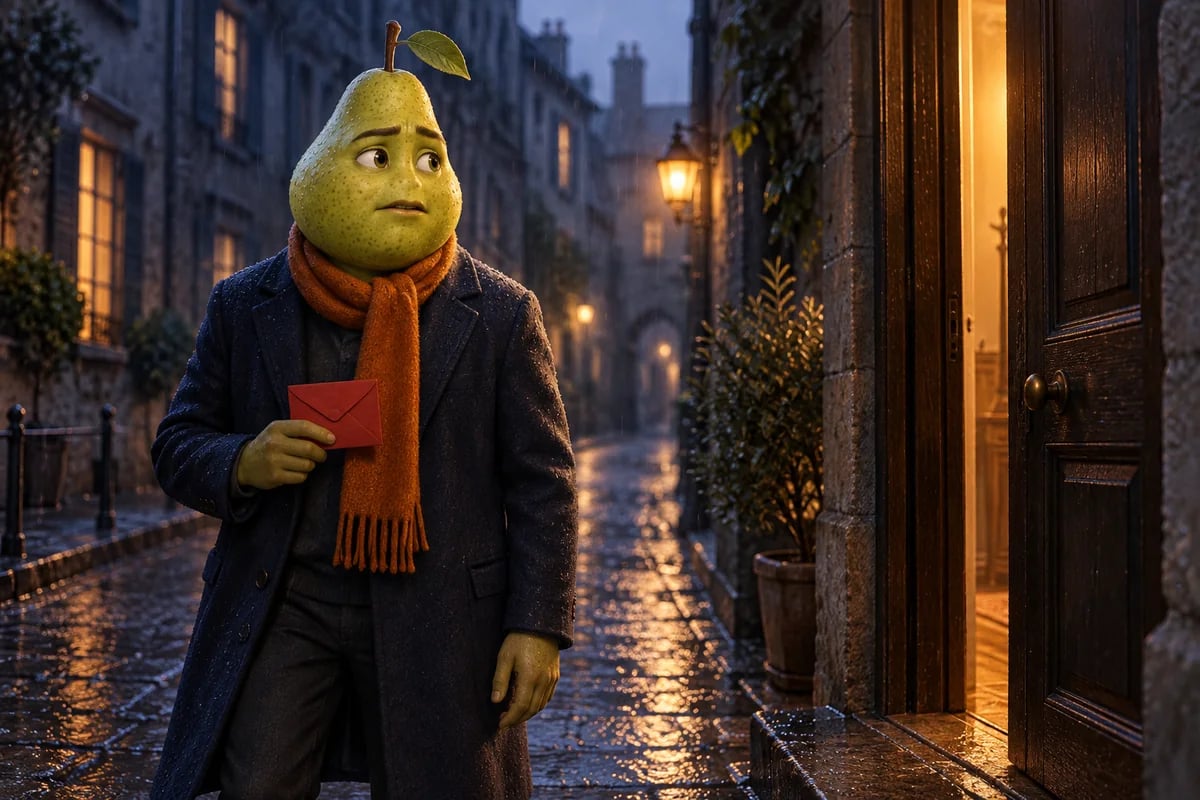
No. The pear support-desk brief is an original writing example. It has not been generated or tested as a video. The image on this page is labelled as an illustration.
Prepare the speaker and wording. Choose Express for an automatic story or Studio for individual clips, then review the generated voice and captions.
Create my account →Plan the details of your next scene
Practical examples to adapt to your own story.