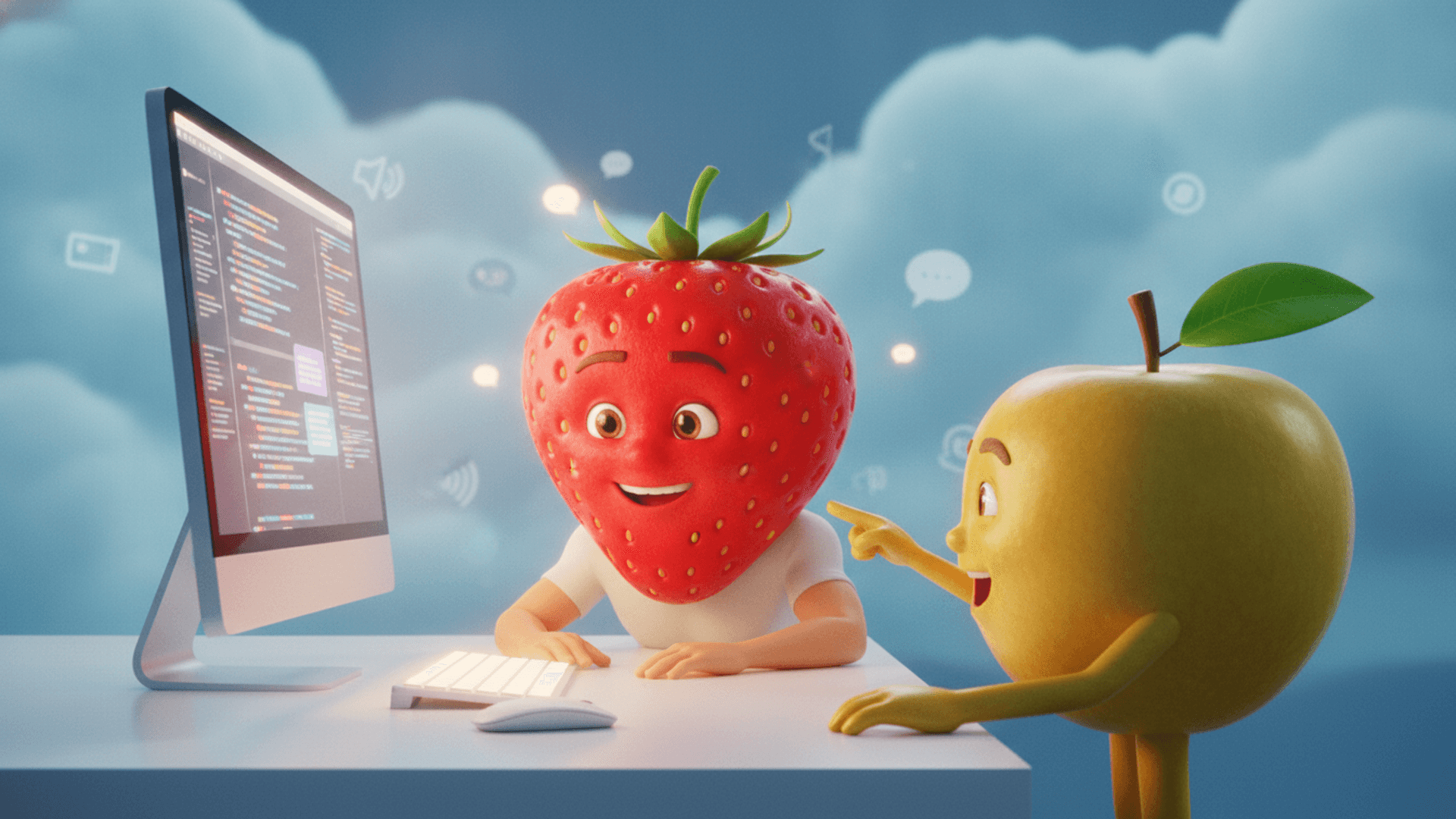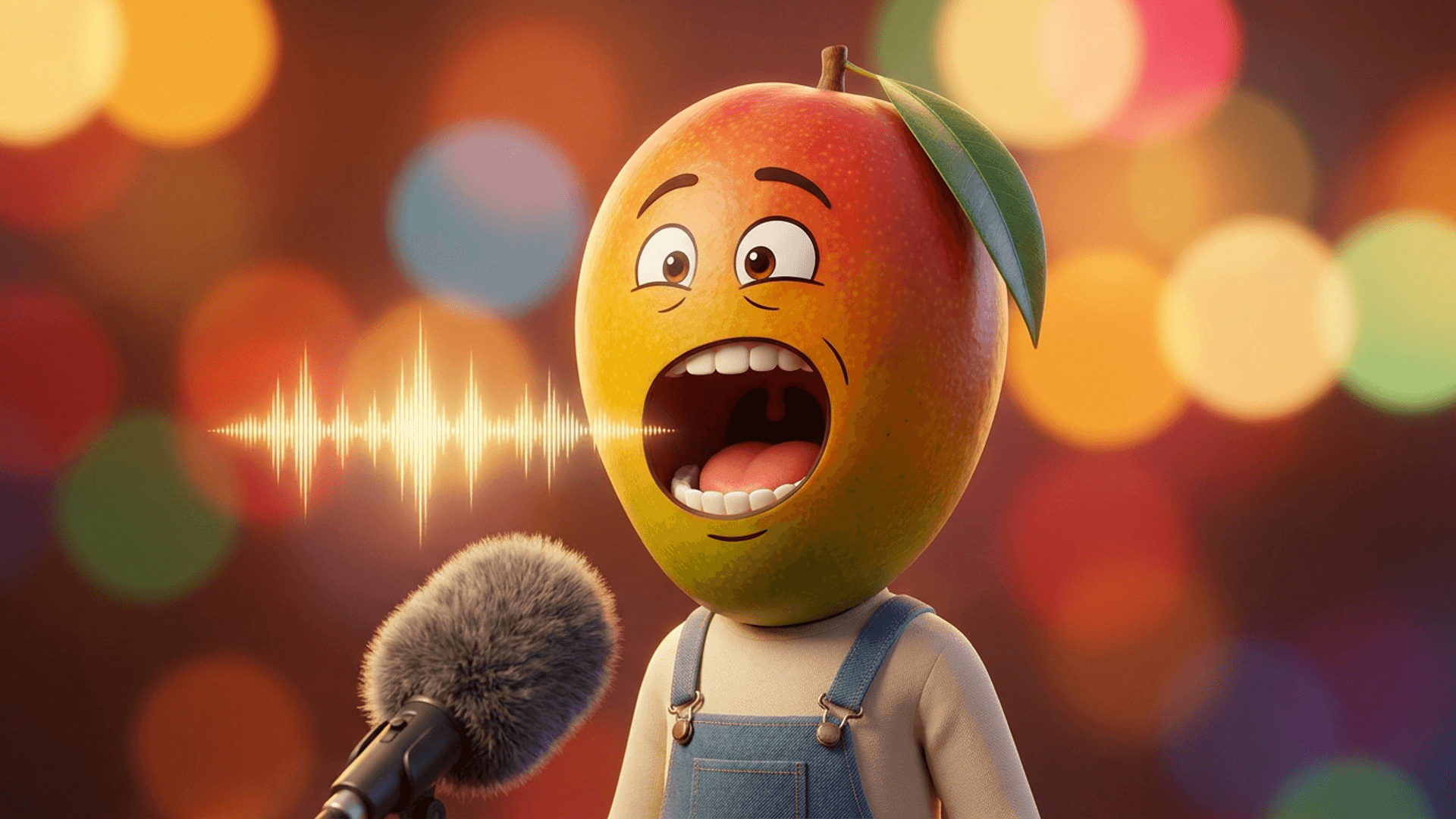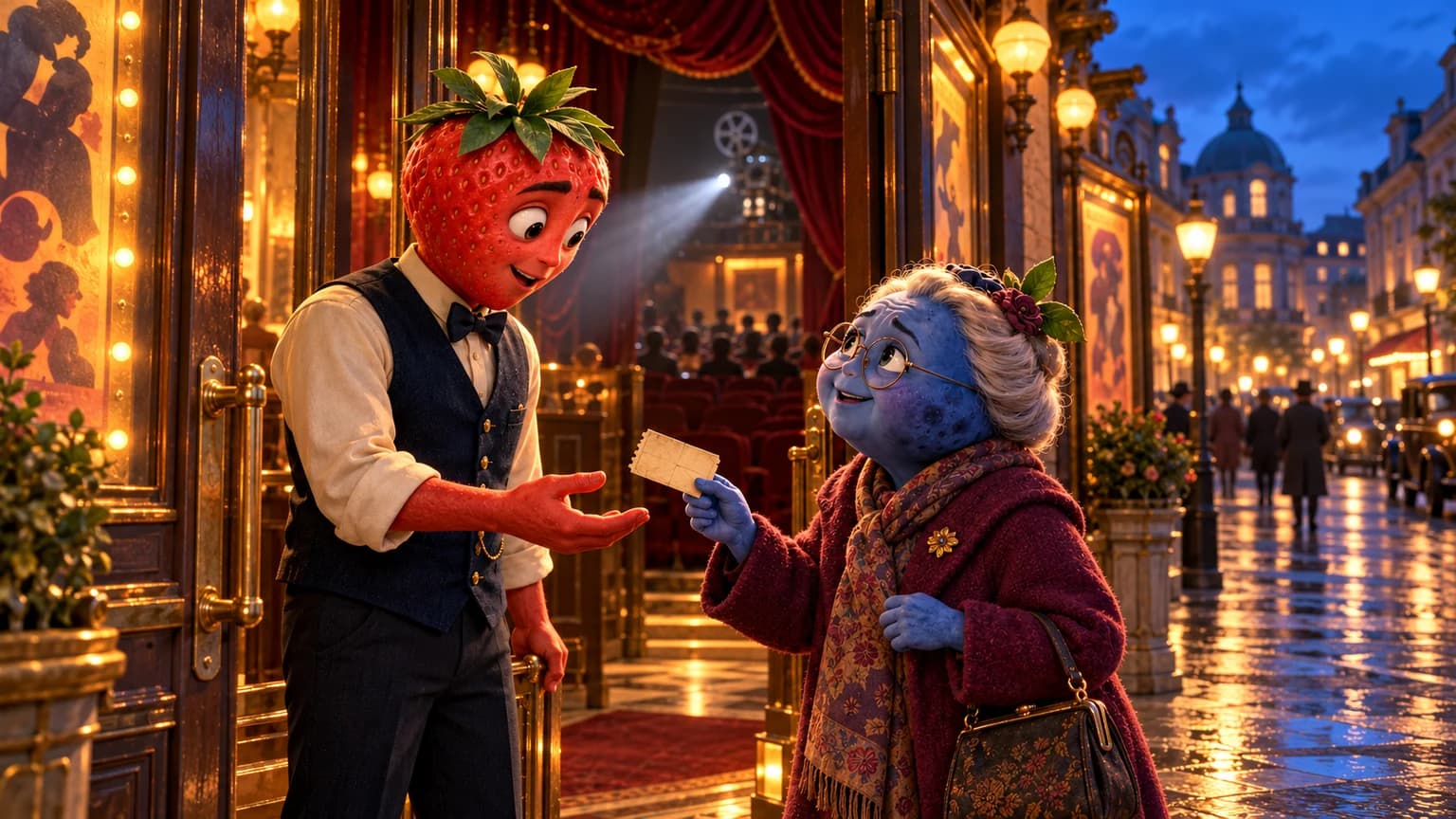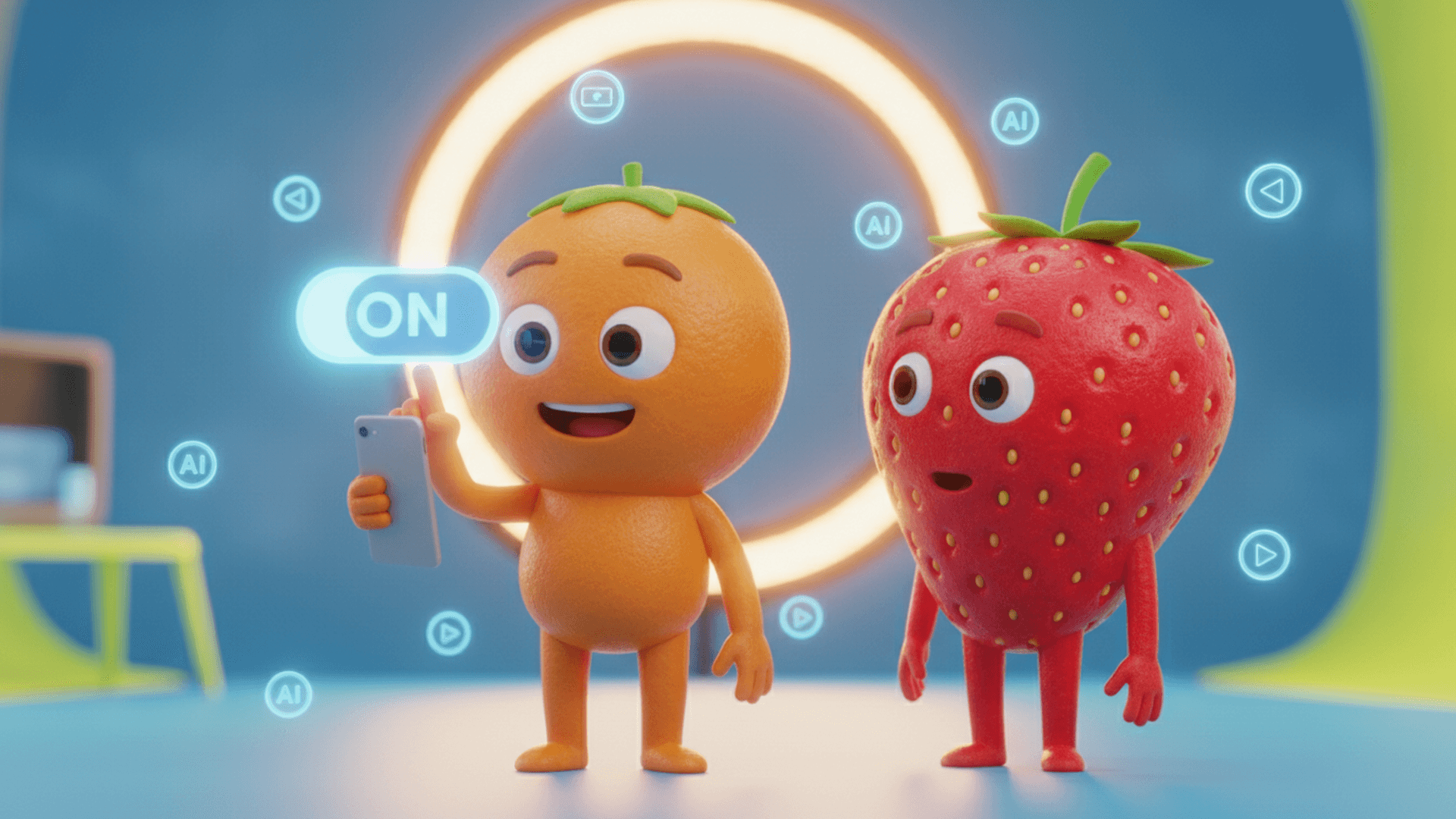
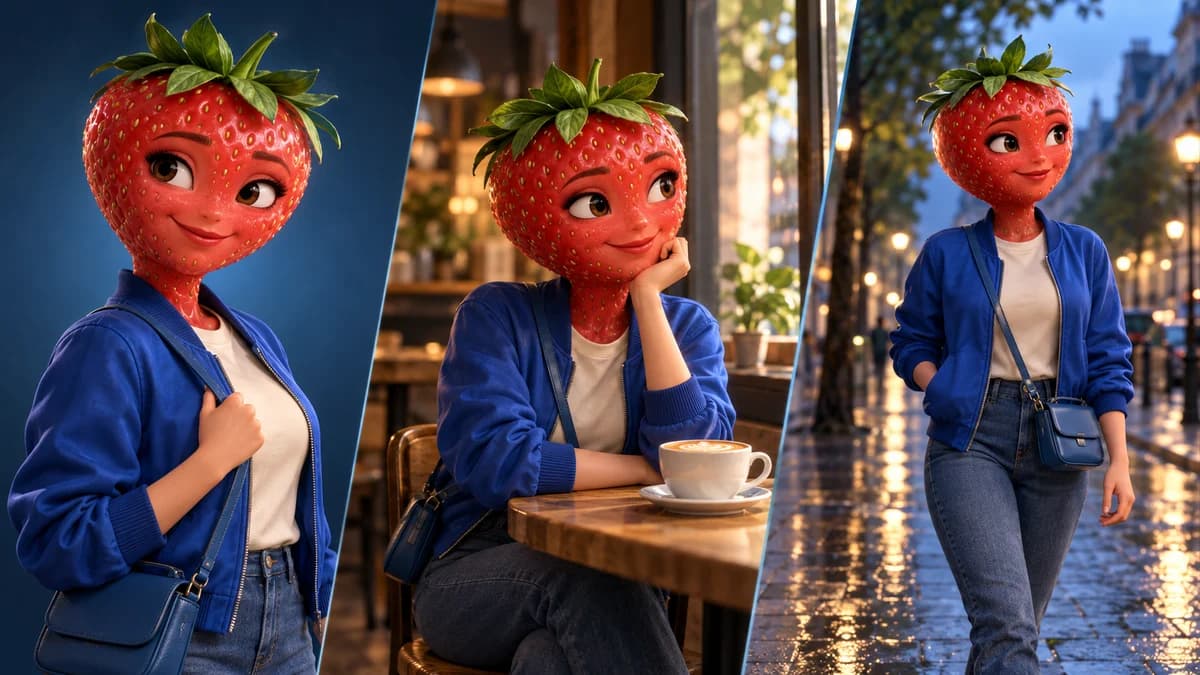
To keep a fruit character recognisable between shots, start with an approved reference and reuse the details that define its identity. A name alone does not specify the face, leaves, proportions or costume.
Separate what stays the same from what changes in the story. The cover is an AI editorial illustration of one identity in different settings, not evidence of a sequence generated by FruitStory.
Build a reference you can actually compare
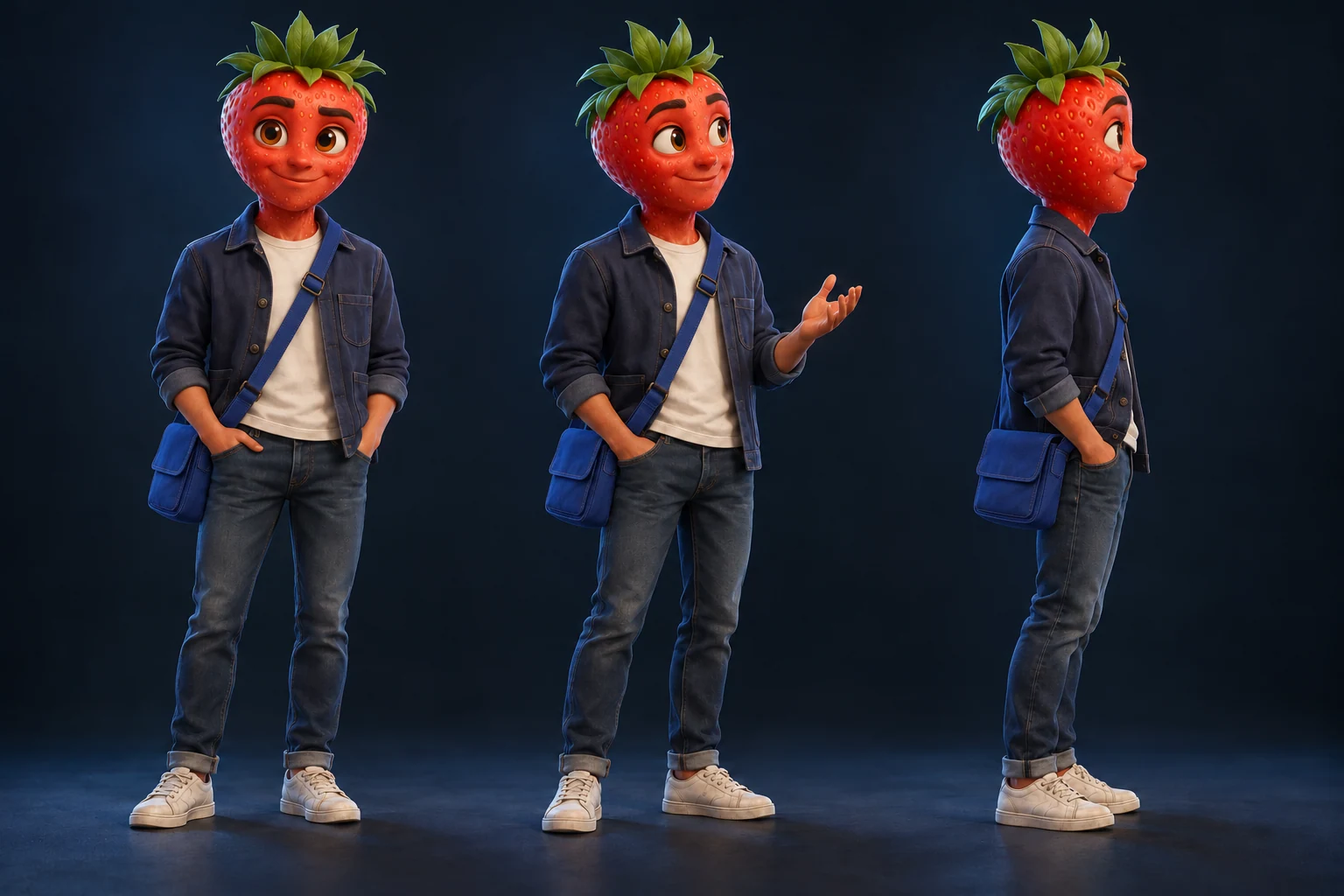
Fraizy is an adult strawberry-headed character with brown eyes, green leaves, a cobalt-blue jacket, a cream top, jeans and a blue bag. Her expression and surroundings may change. Her recognisable features provide a starting reference.
Download the character and continuity sheet in English. Keep it with your approved image. If you use multiple views, check they represent the same character before using them as references.
The official Runway reference guide describes using reference images in different contexts. It does not establish identical results for every video model or interface.
Keep the identity while changing the scene
Use Fraizy’s approved reference: red strawberry head, brown eyes, green leaves, cobalt-blue jacket and blue bag.
In a quiet café, she discovers a key under her cup. Prepare an image where her face, the key and the hand reaching towards it are readable.
For the animation, describe her discovery and reaction separately from the starting image. Choose the performance and framing that fit this story.
This example is a planning prompt, not a measured result. Do not add a complete biography to every shot; retain the visible details that matter and the references accepted by the workflow.
A three-shot continuity note
- Café: she picks up the key. Record its shape and which hand holds it.
- Street: she shows it to a friend. Keep the same character reference and decide where her blue bag is.
- Doorway: she recognises a lock. Compare the key and jacket with the previous images before animation.
Clothes can change deliberately if the story calls for it. Record when that happens. Continuity is not a reason to freeze a character’s expression or use the same camera angle everywhere.
Find the stage where the character changed
- The new image already has a different face: revise that image with the chosen reference. Animation will not automatically restore the original identity.
- The image is correct but the clip drifts: locate the moment of the change and examine the requested movement and framing. Revise the affected shot if your tool supports it.
- A costume or prop changes: compare starting images side by side and clarify the missing detail.
- Only the voice changes: a visual reference is not a voice reference. Check the speaker, spoken language and available audio controls. Use the dialogue guide.
Use the right FruitStory workflow
Keep your approved character references with the project. Studio lets you work on story, characters and scene images before animation. Check those images before turning them into clips.
Express runs the creation from your idea and options, without stopping for approval of every image. Choose the video’s spoken language separately from the language of the guide. Neither workflow turns a reference into a guarantee of identical faces or voices.
Explore AI fruit videos or prepare your story with the ChatGPT scripting example. Consult the current offers before production.
Reviewed on 21 October 2026 using FruitStory’s workflow and the official reference documentation cited above. Examples and cover are planning material; no video-generation success rate or comparative benchmark is claimed.