Creating a video from a ChatGPT idea involves separate deliverables: a reviewed script, optional starting images, animated shots and an assembled file. Text in a conversation is not yet an exported video.
You can use ChatGPT to explore the story and dialogue, then choose the production workflow. It is an optional writing aid, not a requirement for using FruitStory.
Distinguish text, images and video
ChatGPT is not text-only: OpenAI documents image creation and editing. An image can become a reference or animation starting point; it is not already a moving clip with sound.
Be careful with old Sora tutorials. OpenAI’s official notice records the end of the Sora web and app experiences on 26 April 2026 and the API on 24 September 2026. Do not plan around an old Sora button shown as available. The API deprecation record also documents the shutdown.
A story brief you can copy
Help me prepare a short animated fiction in English.
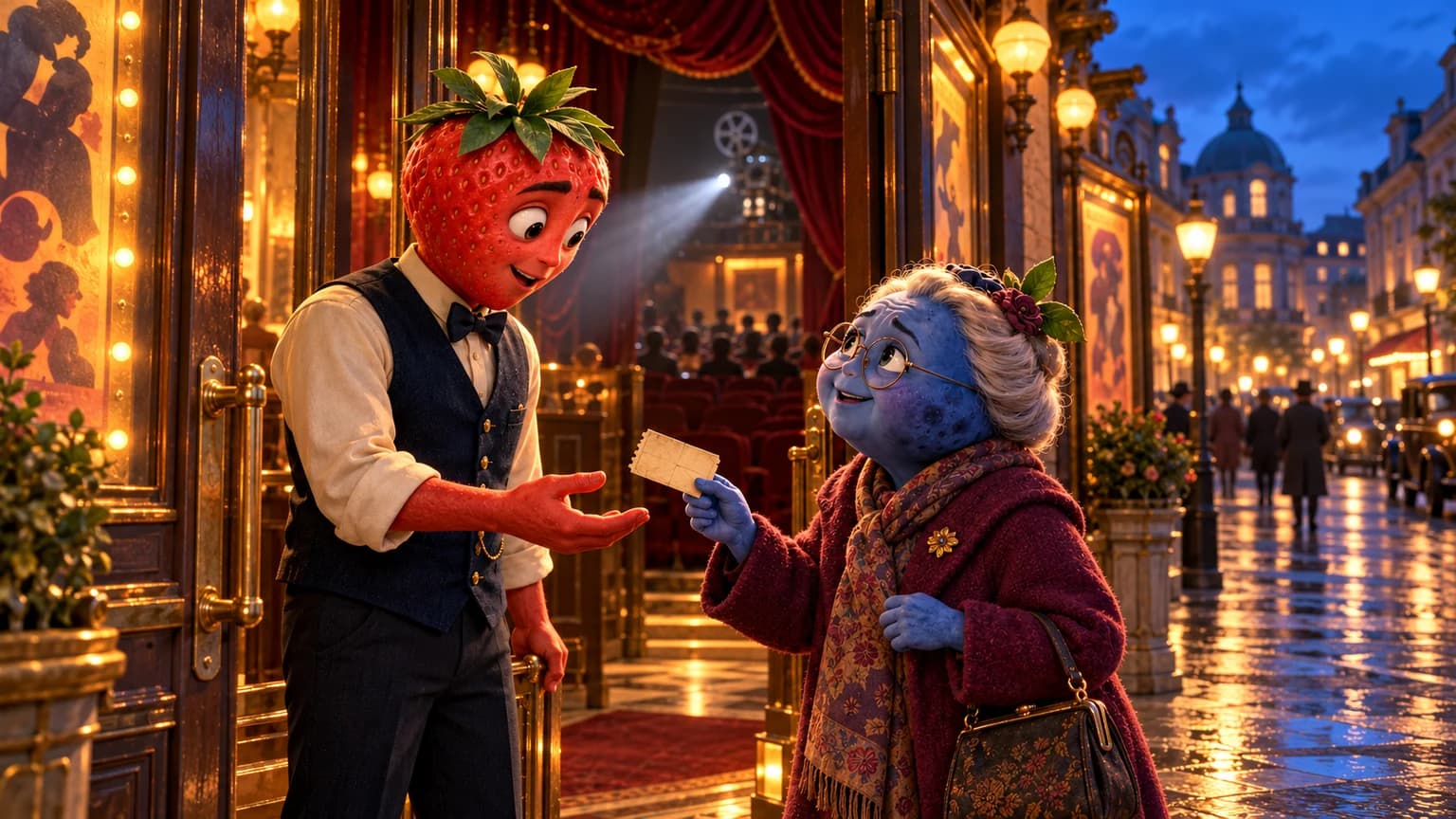
Idea: a young adult blueberry finds a phone in a cinema. The voicemail is in her own voice, but dated tomorrow.
Audience and register: young adults, natural spoken English, strange humour. Do not impose a moral.
Keep the phone and message central to the story. Suggest an ending that gives the discovery meaning without copying an existing series.
Deliverable: a story I can review, followed by a shot breakdown suited to it. Separate the starting image, action, named speaker and exact line for each shot. Identify important continuity details.
Offer another ending if the first feels predictable.
Read the result as a story: what does the character want, how do her choices change the situation, and does her dialogue fit her personality? An absurd, tender or open ending can work if it serves your idea. A fixed number of shots is not a substitute for that review.
Turn a passage into a usable shot
Image: the blueberry in a cream hoodie sits in an almost empty cinema beside a forgotten phone. An exit light outlines her face; the next seat is empty.
Action: the phone vibrates. She picks it up, hears her own voice and looks at the empty seat. The framing tightens as she recognises the voice.
Voicemail: “If you’re hearing this, don’t come to tomorrow’s screening.”
Continuity: keep the hoodie, phone case and hand holding the phone consistent in the next shot.
This is an original written example, not a generated demonstration. Adjust duration, camera and performance to your story and tool.
Choose Express or Studio for production
Express starts from your idea and the wizard’s universe, visual style, language and options. Bring across the premise and details you want to keep. It runs writing, media and assembly, without guaranteeing word-for-word reproduction of an external script. Review the result in your library.
Studio suits a project where you want to work on the story, characters and scene images before animation. If you have authorised images prepared in ChatGPT, use the image-import workflow in your project, check the result and animate the chosen images. Download the clips needed for your edit.
Explore image-to-video preparation or the fruit-story workflow. Creating a file does not automatically publish it on social platforms.
Check the finished video
- Does the sequence tell the story you intended?
- Are the character, clothes and props recognisable between shots? Use the continuity guide.
- Are the lines spoken by the correct characters in the intended language? See talking-image dialogue.
- Is the framing readable on a phone, including subtitles?
- Do you have the rights to the images, voices and music? Check platform rules, including TikTok’s AI-content rules.
Check your ChatGPT access and the FruitStory offers separately. Writing a script or opening an account does not mean a complete video is included for free. Production time, corrections and monetisation depend on the project and platform; this guide establishes no guaranteed outcome.
Reviewed on 21 October 2026. Product facts use the cited official sources and the FruitStory workflow; the brief and shot are original writing examples, without a generated audio or video test.