
AI TikTok videos
Build the opening around something viewers can understand
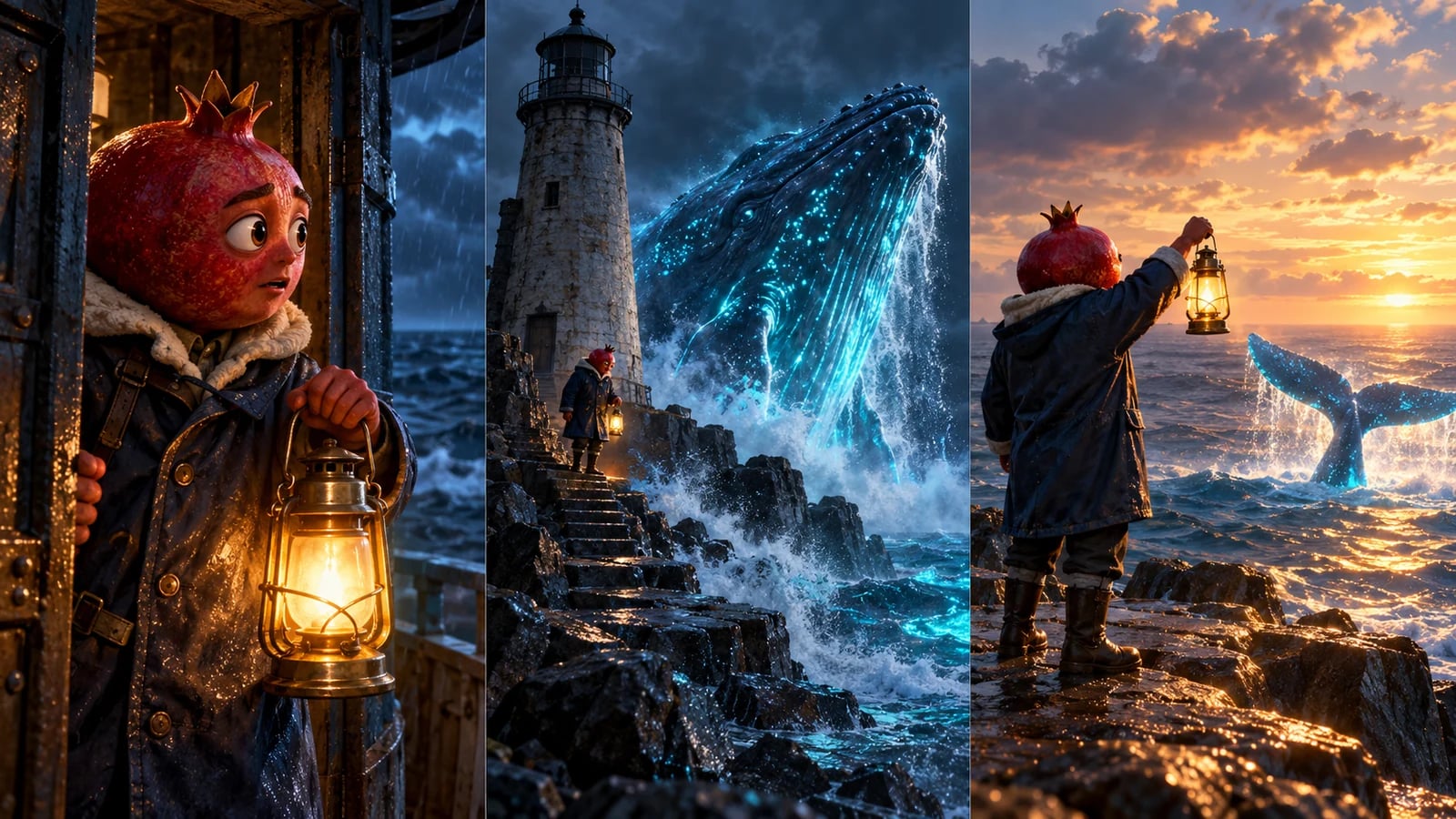
An opening does not have to shout. A lighthouse keeper sees a light moving under the water and lowers his lantern. The action creates a question before any explanation is needed. Choose a frame that makes that question visible on a phone.
Plan dialogue, reactions and pacing around this particular story. You can be absurd, emotional or understated. A compulsory twist or a fixed number of shots would make different ideas feel the same.
A starting point to make your own
The last signal
A pomegranate-headed lighthouse keeper notices a luminous whale trapped near the rocks. He raises his lantern, but the whale follows the reflection instead of the light. Decide how he changes his plan. This illustrated storyboard is a planning example, not a generated video.
Choose your workflow
Choose your workflow
Describe the moment
Choose the characters, their goal, the setting and the tone. Specify vertical framing for your project.
Choose how to create
Express starts a complete story from your idea. Studio lets you prepare scene images before animation.
Review before posting
Check dialogue, continuity, framing and the finished video on a phone. Adapt the edit to what the scene needs.
Before you publish
- Keep faces and meaningful props readable in a narrow frame.
- Check caption placement against the platform interface before publishing.
- No tool can guarantee views, recommendations or revenue.
Your questions
Do I have to use fruit characters?
No. Fruit characters illustrate this page, but you can describe other characters and worlds in your project.
Is generating a video free?
Registration does not require a card. Generation uses credits; check the available balance and current offers before starting.