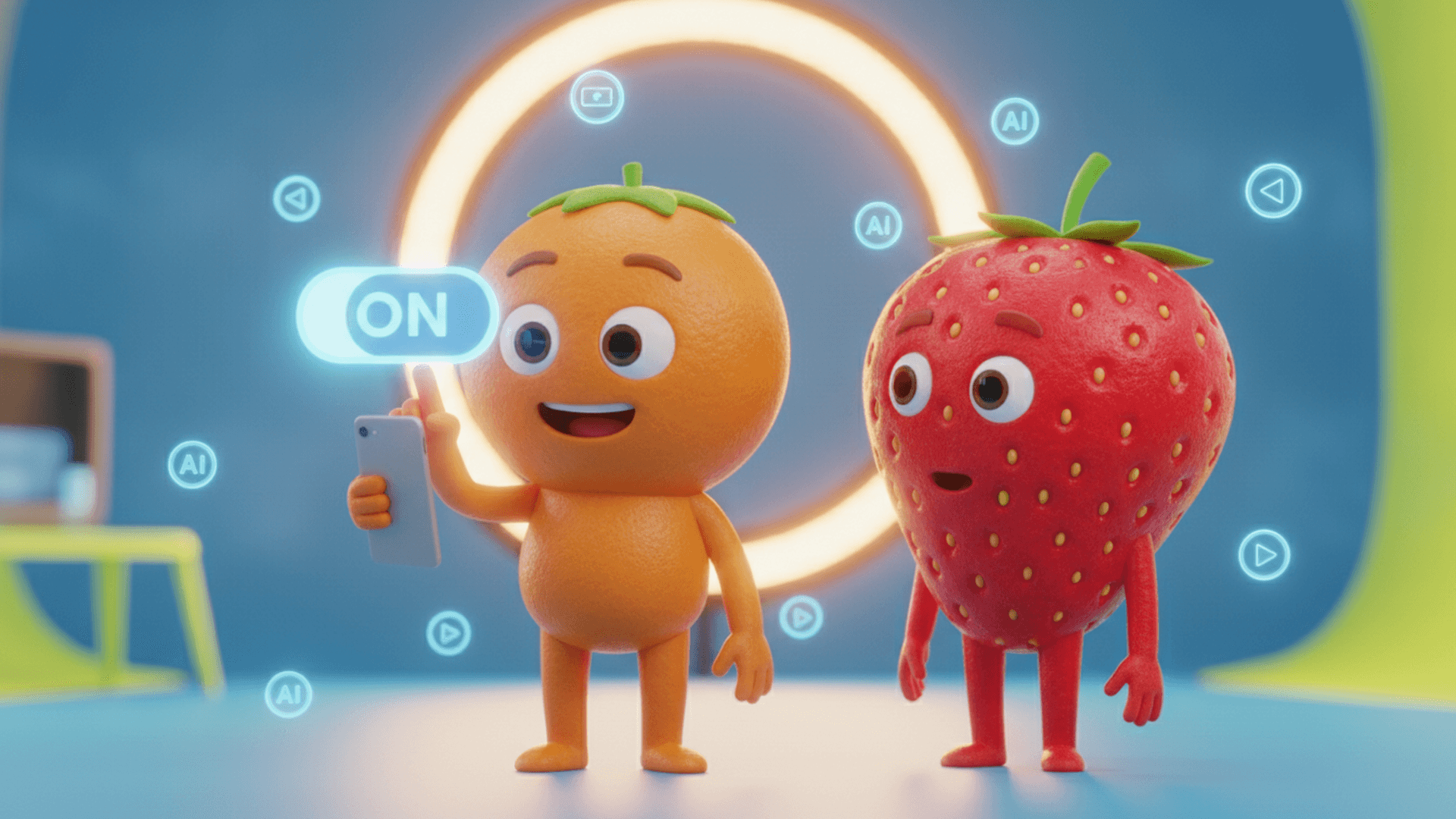
Before labeling an AI video on TikTok, inspect the file you intend to publish: images, voices and anything added during editing. A character’s cartoon appearance does not explain how every part of the video was produced.
What TikTok says about AI labels
TikTok’s help page requires labels for realistic AI content and encourages broader disclosure of substantial AI creation or editing. It says the setting alone does not reduce distribution of compliant content.
Two examples for your review
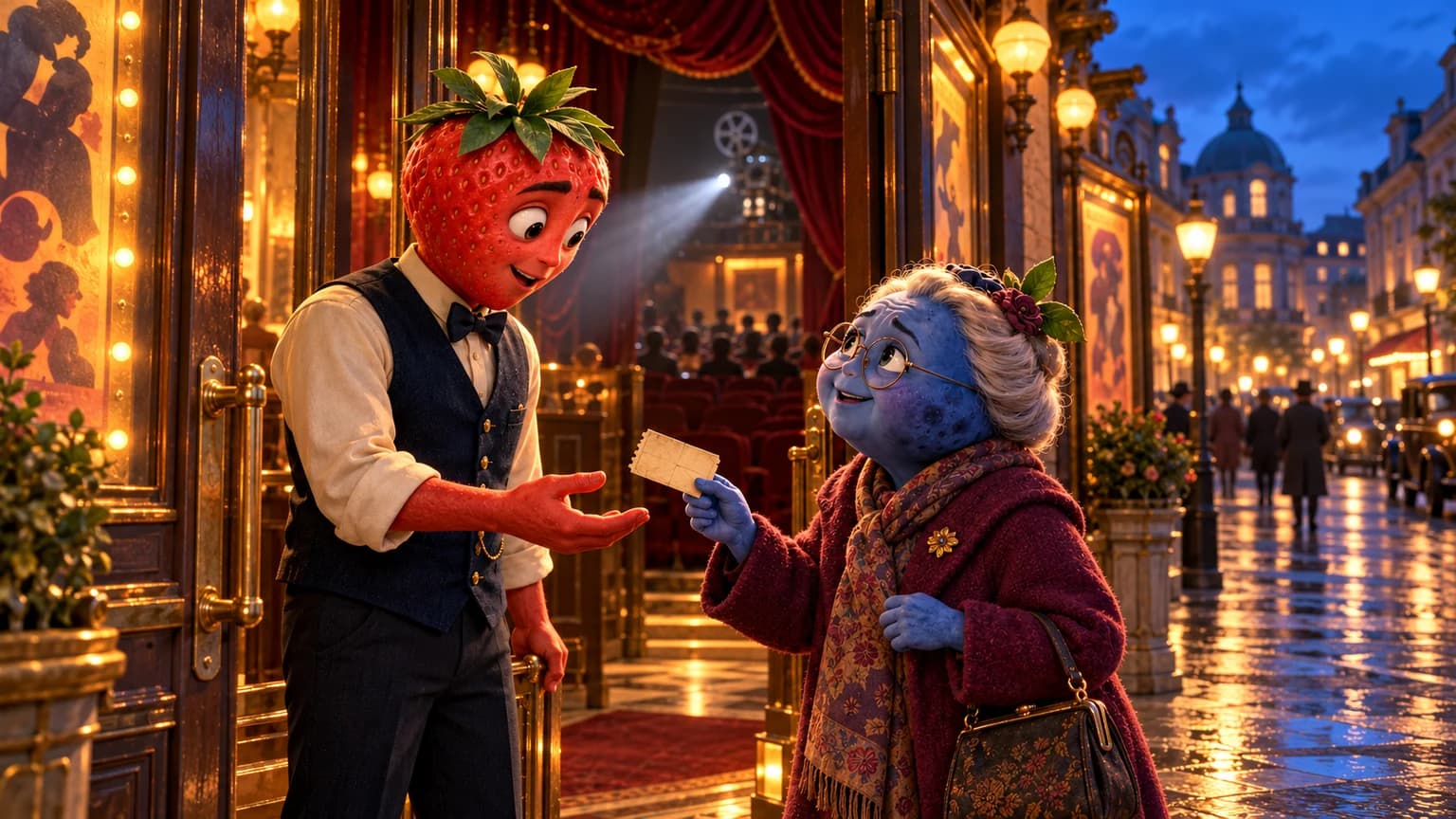
A fictional fruit scene: a strawberry and a blueberry speak inside an imaginary cinema. Record how you made the images and, separately, the voices. Cartoon visuals do not identify the audio’s origin. You could explain your project with “Fiction created with AI-generated characters and voices.” Adapt this example to what your exported file actually contains.
A mixed-media edit: you film a room and add a generated broccoli character. Keep track of the filmed, created and altered elements, then review the assembled result. Avoid a caption that presents the invented scene as a real recording.
A review sheet before you post
Project / file version:
Filmed, generated or altered images:
Origin of voices and other sounds:
Real person or event represented:
Fictional context to explain to viewers:
TikTok labeling options checked:
Choice made and reason:
Images, audio and caption reviewed together:
Complete this sheet using the exported file after your edits. Replacing a voice or adding a shot can change what needs checking. Review your app’s current publishing options using the official help; their presentation can change.
Review the scene before exporting
In Studio, compare scene images and then the clips and spoken lines. With Express, review the assembled video before posting. The talking-image guide helps you check speakers and voices; the fruit video prompts help you plan your fiction.
Labels, publication rules and earnings
Transparency does not replace TikTok’s other rules. Its May 9, 2024 announcement, linked here as historical context, explains that distinction.
A label is not evidence that an episode qualifies for a paid program. Read the separate AI video monetization guide for eligibility and actual payment tracking. To make your own scene, choose the fruit video creation workflow that fits your project.