The light
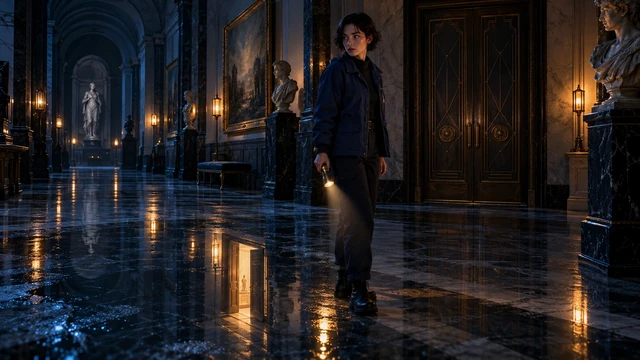
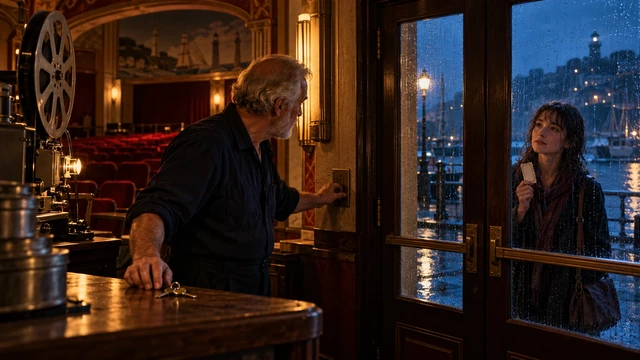
A window gives the lighting a clear direction. Describe the time, weather and what remains in shadow.
Realistic AI videos
A person, a place and a believable action. Describe the scene you want to create and plan its realistic look, from the starting image to movement.
Explore the example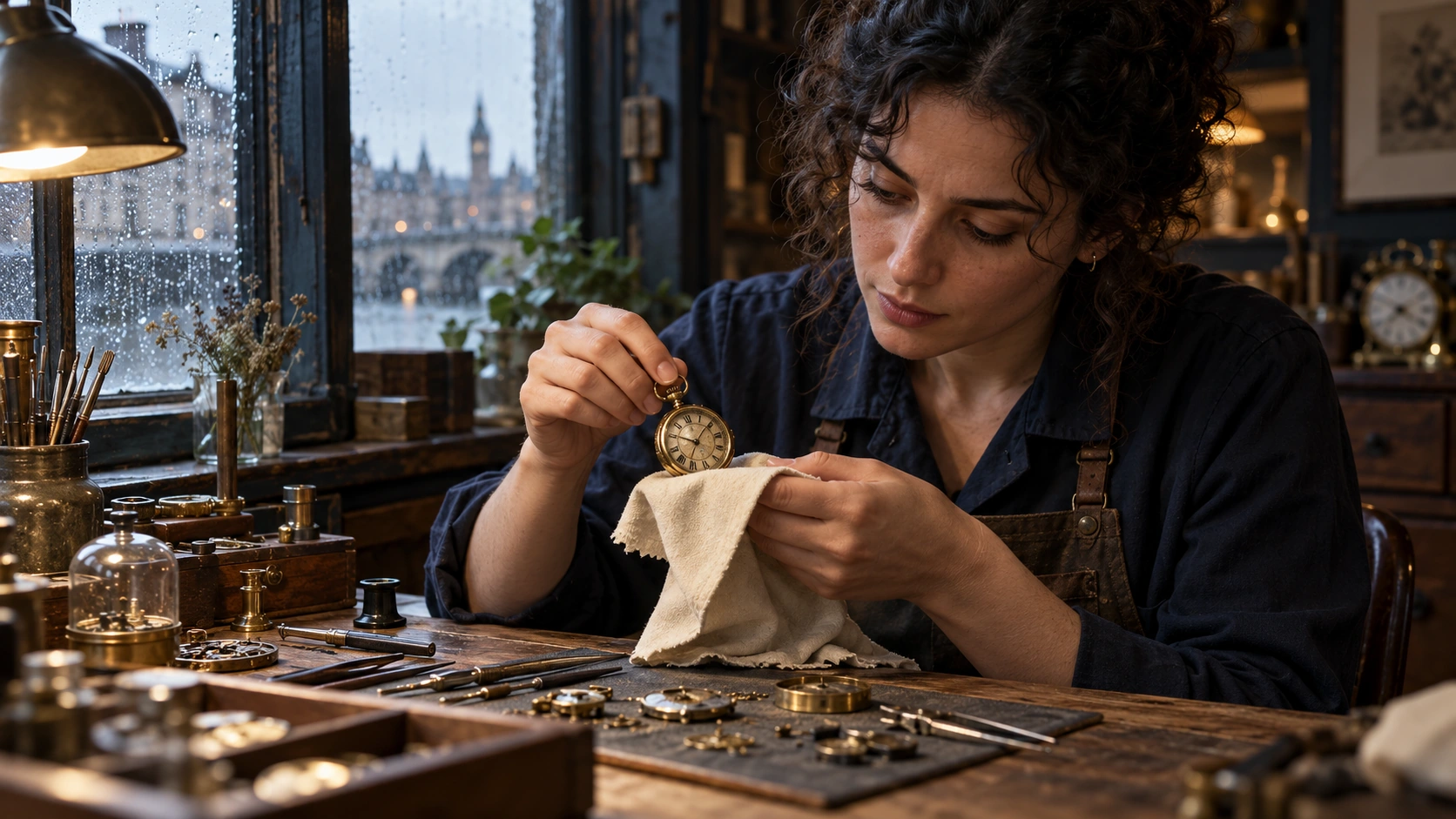
A creative direction to explore, with no associated generated video.
Suggested shots · written example
In her workshop, a watch repairer brings her grandfather’s watch back to life. The movement is tiny. Her expression changes when she hears the first tick.
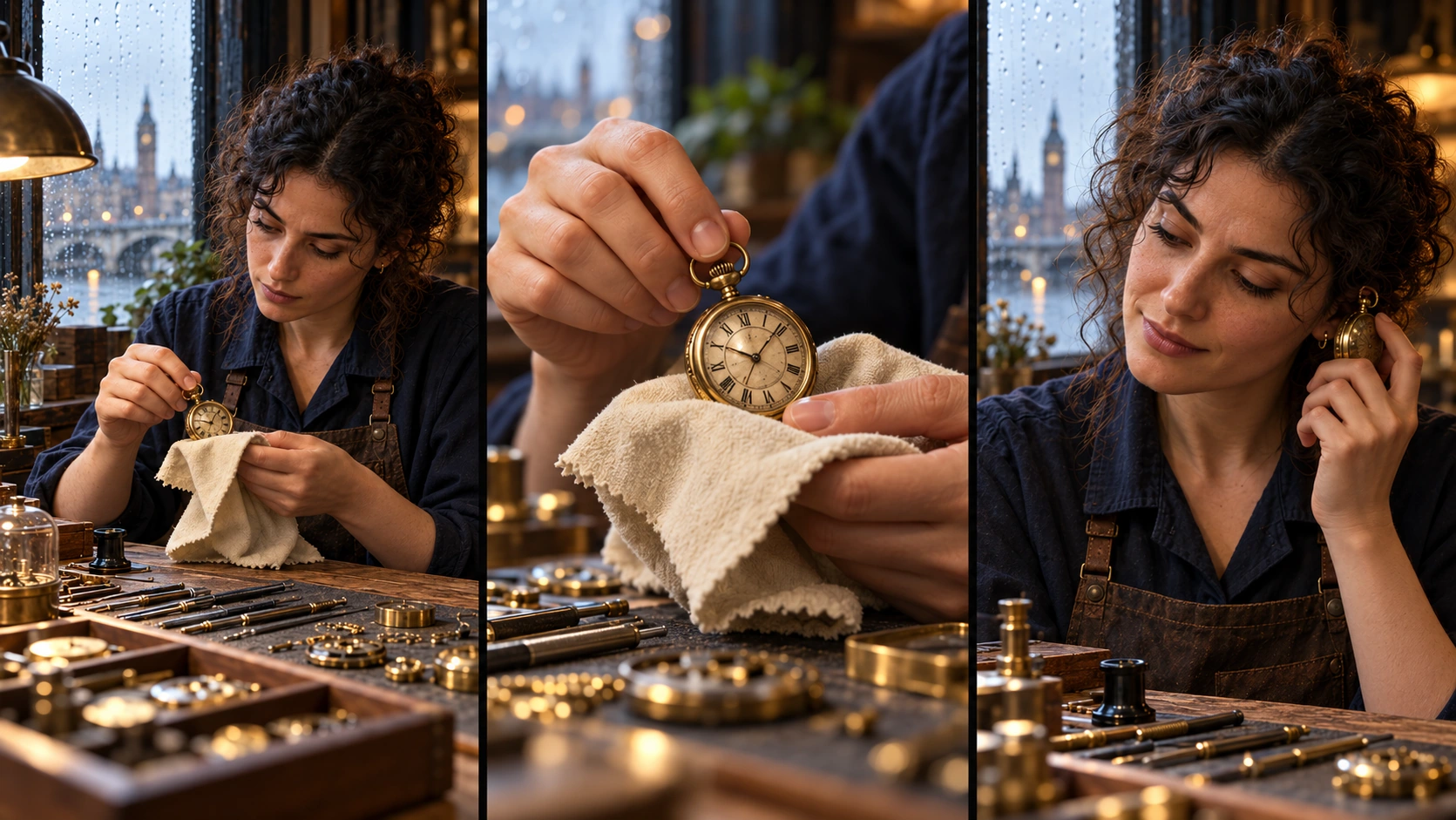
A window gives the lighting a clear direction. Describe the time, weather and what remains in shadow.
Brass, fabric and wood provide tangible reference points. Avoid details that cannot all be seen in one shot.
A hand lifts the watch and a face reacts. One precise gesture is easier to judge than several simultaneous actions.
One possible exchange
“I thought I’d never hear it again.”
“It still had a story to tell.”
A reference worth watching
Notice faces, daylight and the depth of the setting. These references help describe the intention behind a realistic scene.
An openly licensed film excerpt used to study staging. This is not a result generated with FruitStory.
One story, different points of view
Choose a coherent subject and lighting. Work on an image and its animation in Studio, or prepare your story in Express.
Review hands, faces and objects frame by frame. A realistic style does not guarantee perfect physics or an absence of visual defects.
A realistic result is still AI-generated. Check the platform’s disclosure rules before publishing and do not present it as footage of a real event.
FruitStory
The style is preselected. After signing up, review your idea and choose the available options before starting generation.
See plans and generation terms ↗The image-to-video workflow is available separately. Use an image you have permission to use and describe the movement you want.
No. Lighting and references guide the result, but inconsistencies can appear. Review the images and movement before publishing.
FruitStory
FruitStory
Keep your idea and choose what happens next after signing up.