
FruitStory Create with FruitStory
Script to Video AI
Turn your script into an AI video: adapt the text into scenes, characters and dialogue. Create with Express or prepare each shot in FruitStory Studio.
The story in pictures
The details that shape the scene
Turn written ideas into actions a camera can see
Separate what is heard from what is seen. Instead of writing that she regrets leaving, describe a hand releasing the suitcase handle and a glance back at the quay. One shot should carry one clear action rather than conflicting events.
Paste an idea or script into the field, then review the story and options after signing up. If exact wording matters, check the dialogue and edit: preparing a script does not guarantee a word-for-word performance.
An original scenario you can adapt
Three lines for a return
A ferry quay early in the morning.
A woman carrying a suitcase and her brother on the quay.
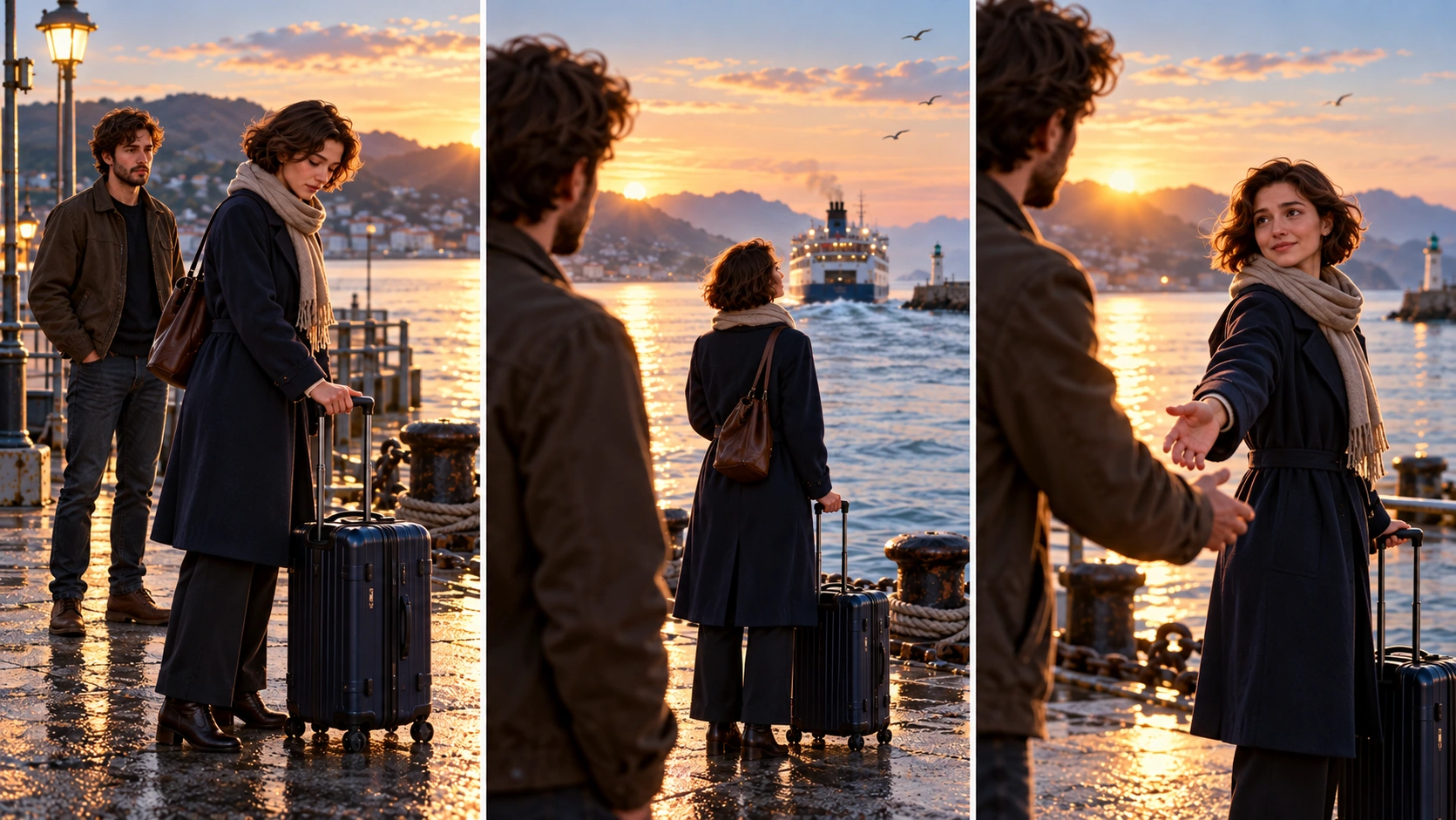
From the first action to the final image
The opening sentence becomes a shot of the suitcase on the ground.
The doubt becomes a glance towards the departing ferry.
The decision becomes a hand reaching towards her brother.
One way the dialogue could begin
“You missed the boat.”
“I changed my mind.”
The details that shape the scene
Separate narration, dialogue and visual directions in the script.
Check exact wording in the output when a line must remain unchanged.
Give a change of location or time its own scene.
Describe your idea
A place, a character, an action. After signing up, continue with your idea and adapt the story to your intention.
Choose your workflow
Express automates story production. In Studio, prepare references and review images before animating them.
Review and start creating
Choose available options and check the displayed cost before starting. Then review scenes, voices and subtitles.
Before you start
How do I turn a script into video scenes?
Separate what is visible, what moves and what is said. A change of setting, action or viewpoint can become a new shot without splitting every sentence.
Will the generated video reproduce my script word for word?
Do not treat that as guaranteed. Keep your original script, identify essential lines and compare them with the generated result before publishing.
Does the button generate a video immediately?
It saves your idea in this tab and opens signup. Creation starts after you choose and launch it in the application. Existing signed-in members continue in the editor.
FruitStory
More ideas to explore
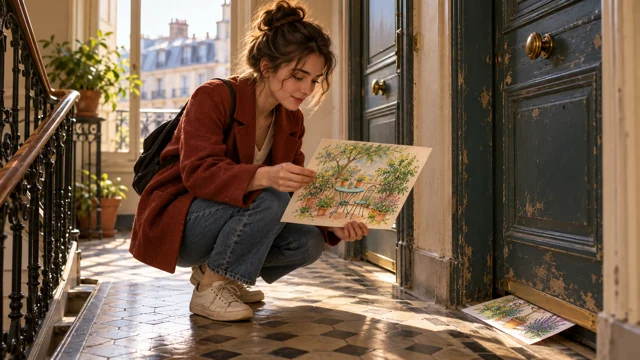
AI Story Video Generator
Turn your idea into an AI story video with characters, dialogue and animated scenes. Create with Express or direct individual shots in FruitStory Studio.
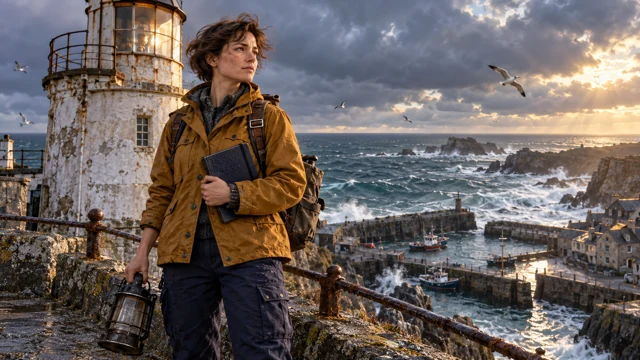
AI Character Generator for Stories
Create an AI character for your videos: face, outfit, silhouette and reference images. Develop a recognisable look, then bring the character into your story.
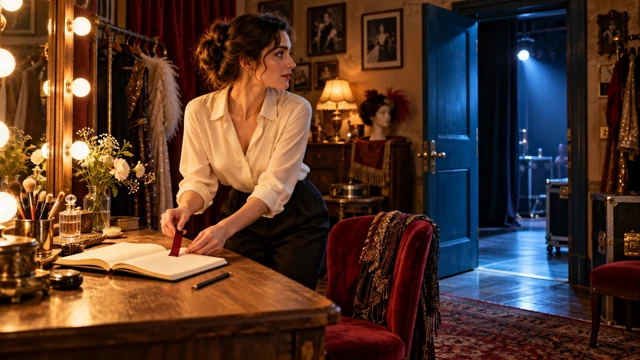
AI Video Continuity: Keep Scenes Consistent
Plan continuity between AI video scenes. Track props, lighting and screen direction with a practical dressing-room example and a shot checklist.