
FruitStory Create with FruitStory
AI Character Generator for Stories
Create an AI character for your videos: face, outfit, silhouette and reference images. Develop a recognisable look, then bring the character into your story.
The story in pictures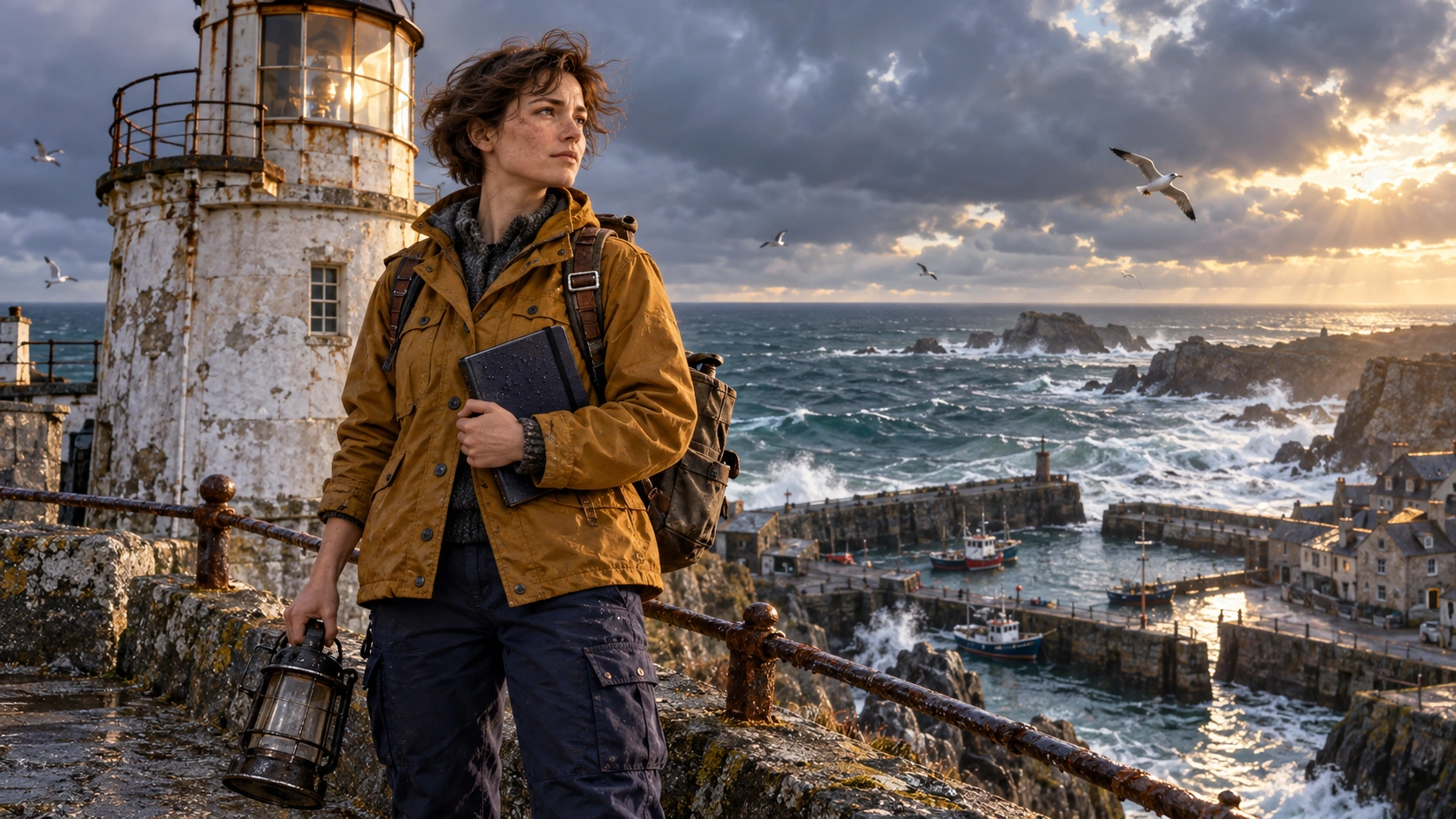
An original scenario you can adapt
The keeper of the harbour lights
A windswept stone harbour beside a lighthouse.
An adult woman with short hair, an ochre work jacket and a waterproof notebook.
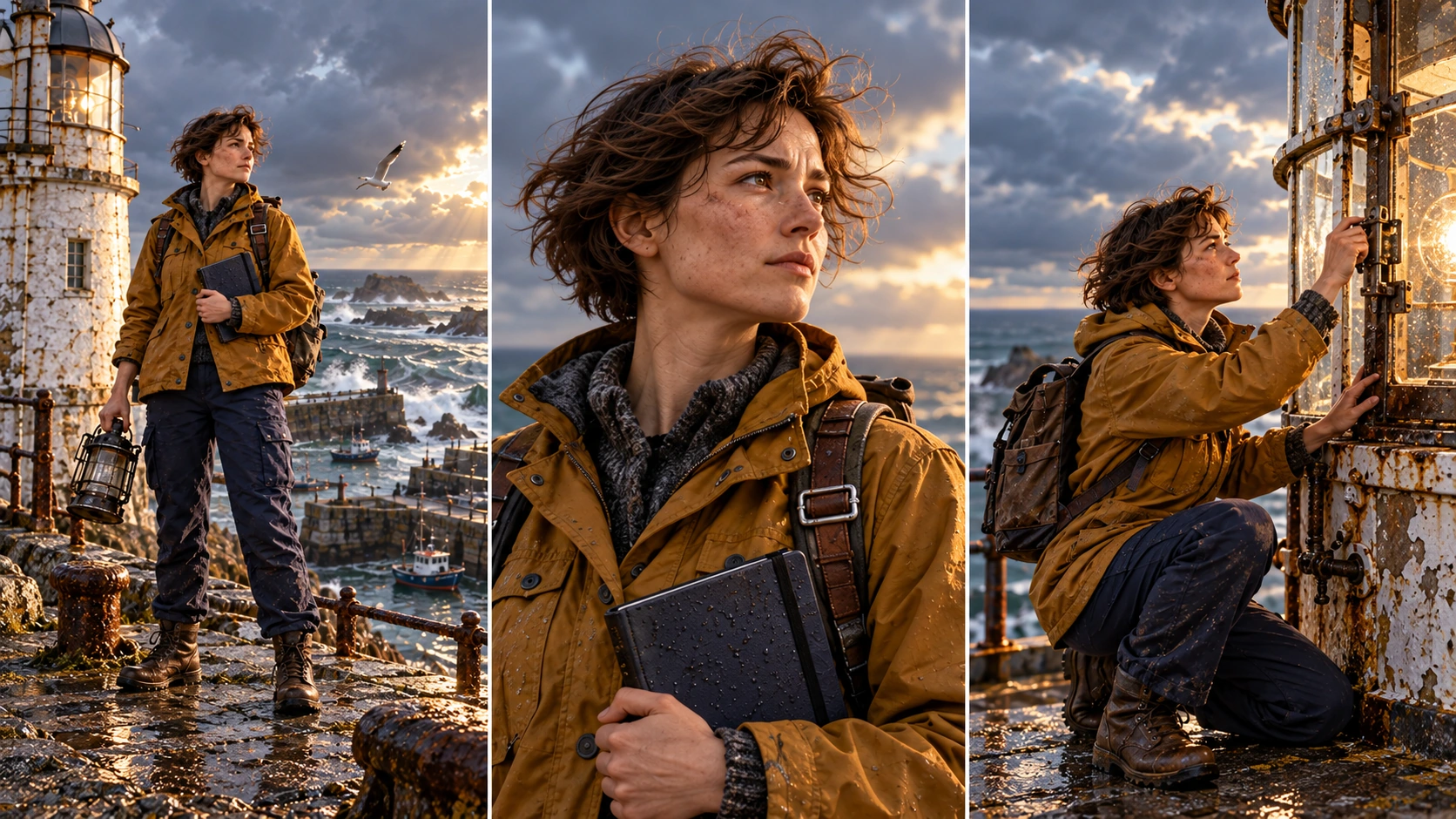
From the first action to the final image
A full-body view establishes the silhouette and clothing.
A three-quarter portrait establishes the face.
A working gesture beside the lighthouse tests the character in a scene.
One way the dialogue could begin
“I know every light in this harbour.”
“Even the ones that no longer come on.”
The details that shape the scene
Describe personality, story role and visible details separately.
Test a simple pose before a complex action.
Check face, outfit and props when reusing references.
The details that shape the scene
Build a reference that also works in a scene
Short hair, an ochre jacket and the waterproof notebook create a recognisable visual identity. Keep those details separate from personality: patience or a difficult past should appear through actions, not only a portrait description.
Begin with a simple pose, then try a working gesture in the same world. Studio lets you prepare and reuse references for scenes. References help continuity without eliminating every variation; inspect the face, clothing and accessories.
Describe your idea
A place, a character, an action. After signing up, continue with your idea and adapt the story to your intention.
Choose your workflow
Express automates story production. In Studio, prepare references and review images before animating them.
Review and start creating
Choose available options and check the displayed cost before starting. Then review scenes, voices and subtitles.
Before you start
What belongs in an AI character reference?
Describe the silhouette, face, outfit and props that matter to the story. Add a visual reference and separate stable features from the emotion in each scene.
Does a reference guarantee identical characters in every shot?
No. It guides appearance, but variations remain possible. Compare images, then check the face, clothing and proportions again after animation.
Does the button generate a video immediately?
It saves your idea in this tab and opens signup. Creation starts after you choose and launch it in the application. Existing signed-in members continue in the editor.
FruitStory
More ideas to explore
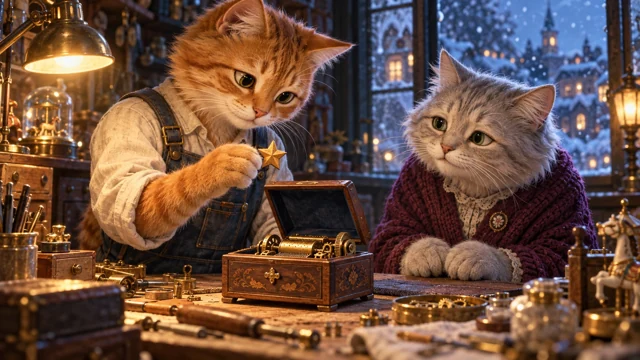
AI Cat Story Video Generator
Create AI cat story videos with expressive characters, dialogue and a world of your own. Explore an original example, then start your cat’s next adventure.
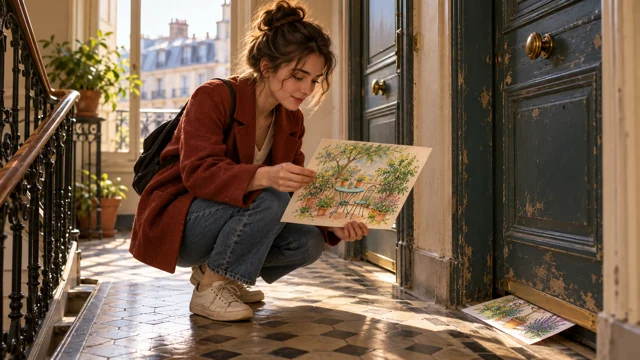
AI Story Video Generator
Turn your idea into an AI story video with characters, dialogue and animated scenes. Create with Express or direct individual shots in FruitStory Studio.
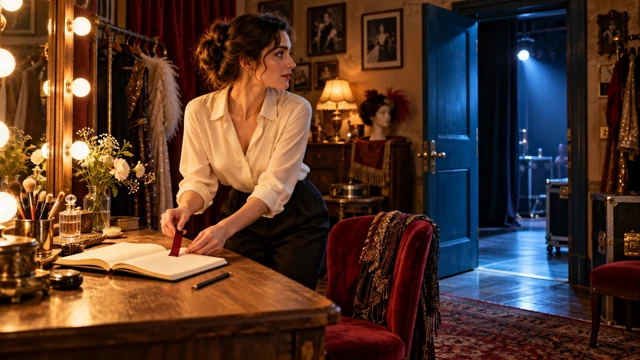
AI Video Continuity: Keep Scenes Consistent
Plan continuity between AI video scenes. Track props, lighting and screen direction with a practical dressing-room example and a shot checklist.