
FruitStory Create with FruitStory
AI Story Video Generator
Turn your idea into an AI story video with characters, dialogue and animated scenes. Create with Express or direct individual shots in FruitStory Studio.
The story in pictures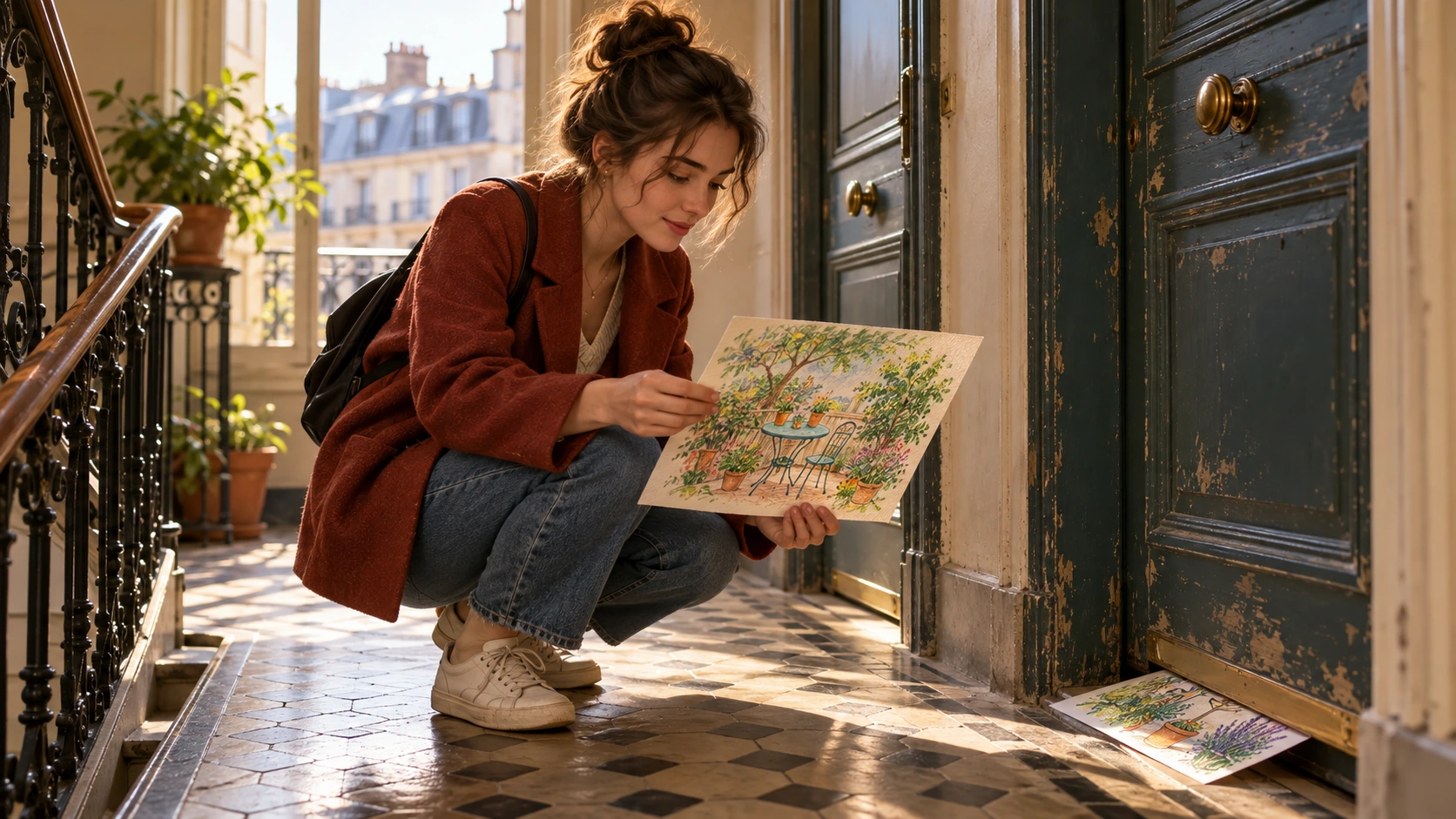
The details that shape the scene
Make the story move through visible choices
Start with something that can be filmed: a closed door, an unfinished drawing, a meeting someone keeps avoiding. Give the character a choice and show what changes afterwards. The same approach works with people, animals or an invented world.
Here, revealing the garden too early would weaken the discovery. You can leave the ending open or show the neighbours planting together. Your brief can change the tone, ending and number of scenes.
An original scenario you can adapt
The note under the door
A narrow landing in an old apartment building, lit through the stairwell window.
A student and a neighbour she has never met.
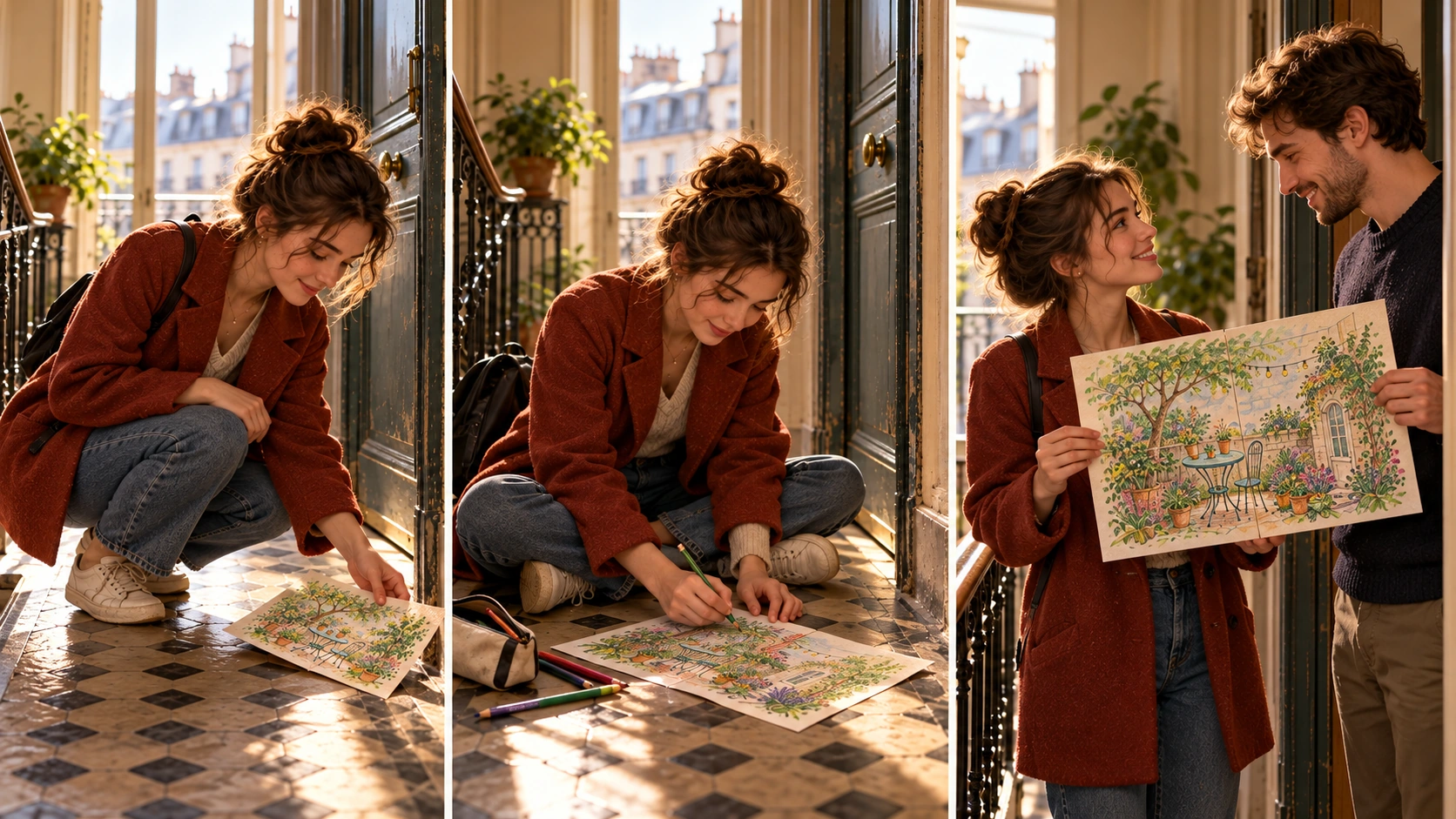
From the first action to the final image
The student finds a drawing slipped under her door each morning.
She completes one drawing and leaves it on the landing.
The next morning, the two halves reveal a plan for a shared garden.
One way the dialogue could begin
“Was it you?”
“I didn’t know how to start.”
The details that shape the scene
Let objects change the relationship instead of explaining everything in narration.
Keep the garden reveal until the drawings come together.
Use original characters and a problem the viewer can recognise immediately.
Describe your idea
A place, a character, an action. After signing up, continue with your idea and adapt the story to your intention.
Choose your workflow
Express automates story production. In Studio, prepare references and review images before animating them.
Review and start creating
Choose available options and check the displayed cost before starting. Then review scenes, voices and subtitles.
Before you start
How do I turn an idea into a video story?
Give your character a goal, an obstacle and a response. Plan one clear action per scene, with each outcome leading into what happens next.
Do I need every line of dialogue before I start?
You can begin with a situation or an existing script. Describe the cast, tone and spoken language, and keep the lines that move the story forward.
Does the button generate a video immediately?
It saves your idea in this tab and opens signup. Creation starts after you choose and launch it in the application. Existing signed-in members continue in the editor.
FruitStory
More ideas to explore
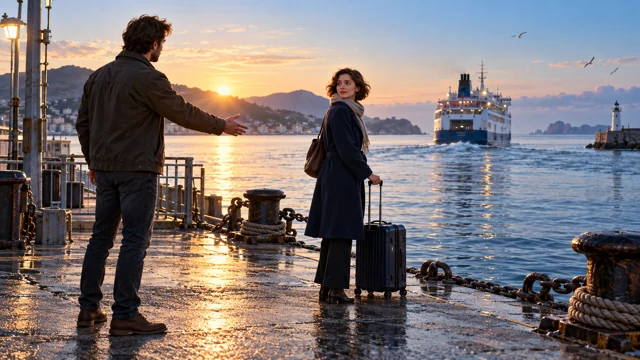
Script to Video AI
Turn your script into an AI video: adapt the text into scenes, characters and dialogue. Create with Express or prepare each shot in FruitStory Studio.
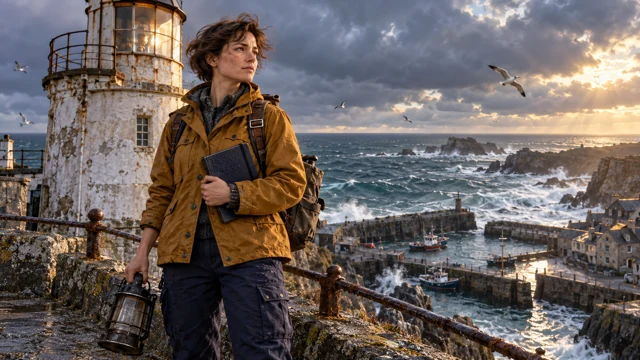
AI Character Generator for Stories
Create an AI character for your videos: face, outfit, silhouette and reference images. Develop a recognisable look, then bring the character into your story.

AI Video Dialogue: Choose the Spoken Language
Choose the language of an AI video’s dialogue. Separate site language from spoken lines and check vocabulary, voices and subtitles in each version.