
FruitStory Creation guide
AI Video Dialogue: Choose the Spoken Language
Choose the language of an AI video’s dialogue. Separate site language from spoken lines and check vocabulary, voices and subtitles in each version.
The story in pictures
The details that shape the scene
Page language and spoken language are two choices
The FR, EN, ES and DE selector changes the site you read. For a video’s speech, also state the desired language in your brief and use the language choice available in the creation workflow. A translated menu does not prove what a character will say.
Keep the action and intention when adapting the dialogue. Use expressions that fit the situation rather than translating every word literally. Listen to voices and read subtitles; a particular accent or perfect dubbing is not guaranteed.
An original scenario you can adapt
The translated menu
A neighbourhood restaurant just before opening.
A cook and a traveller looking at the same menu.
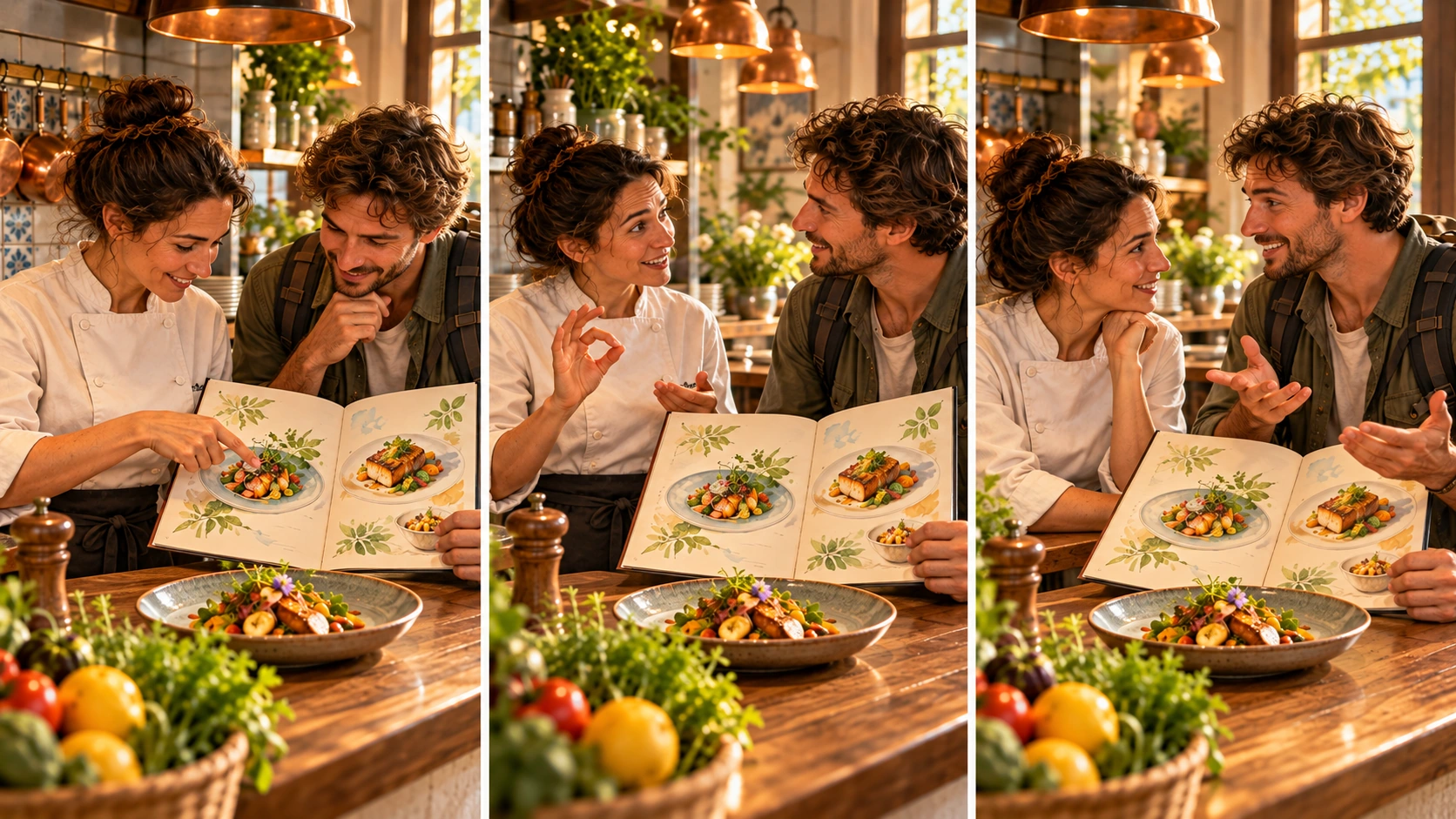
From the first action to the final image
The cook points to a dish with a simple gesture.
One version of the brief asks for spoken French.
Another asks for spoken English while keeping the same action and intent.
One way the dialogue could begin
“What would you recommend?”
“The dish I make for my friends.”
The details that shape the scene
Specify spoken language as well as choosing the interface language.
Listen to every version; a translated script does not prove the audio.
Check vocabulary, subtitles and any unintended language switches.
Describe your idea
A place, a character, an action. After signing up, continue with your idea and adapt the story to your intention.
Choose your workflow
Express automates story production. In Studio, prepare references and review images before animating them.
Review and start creating
Choose available options and check the displayed cost before starting. Then review scenes, voices and subtitles.
Before you start
Does the page language determine the dialogue language?
No. Reading language and spoken language are separate choices. Specify your desired spoken language in the brief and use the available workflow setting.
How do I review dialogue in a language I know less well?
Keep the intended script, listen to the lines and ask a competent speaker to check meaning and tone. Review captions separately from the voice.
Does the button generate a video immediately?
It saves your idea in this tab and opens signup. Creation starts after you choose and launch it in the application. Existing signed-in members continue in the editor.
FruitStory
More ideas to explore

AI Romance Video Generator
Create an original love story video with AI: a first meeting, a small gesture or an unexpected reunion. Bring your characters and romantic dialogue to life.

Script to Video AI
Turn your script into an AI video: adapt the text into scenes, characters and dialogue. Create with Express or prepare each shot in FruitStory Studio.

AI Video Continuity: Keep Scenes Consistent
Plan continuity between AI video scenes. Track props, lighting and screen direction with a practical dressing-room example and a shot checklist.