
FruitStory Create with FruitStory
AI YouTube Shorts Generator
Create original AI videos for YouTube Shorts from your ideas, with voices, captions and vertical scenes. Build a new story for your next upload.
The story in pictures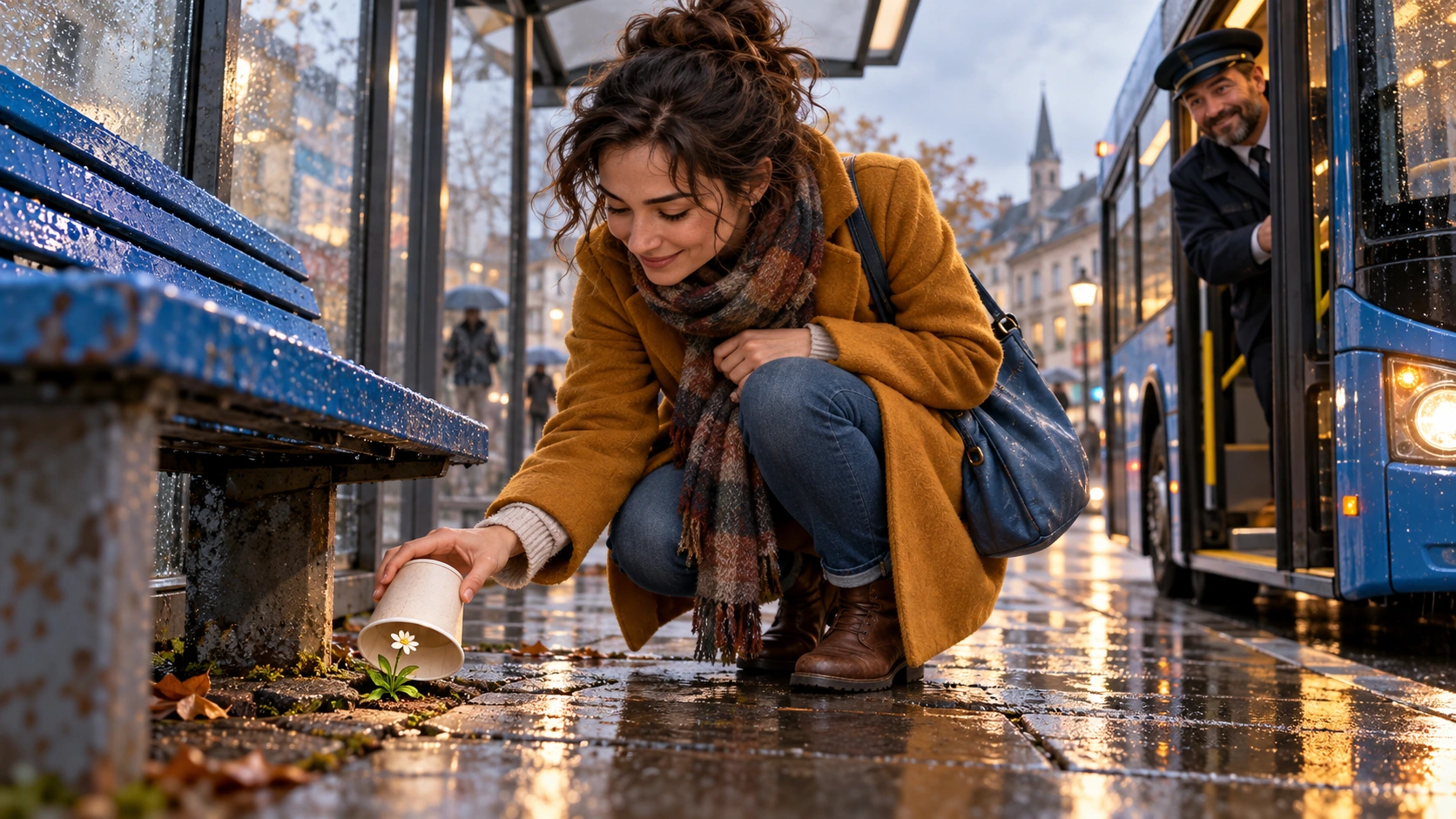
The details that shape the scene
A complete story for a vertical screen
Show the flower and the bench at the start, then give each shot one main action. The ending should make sense to someone who has never seen your channel. Leave space around faces and subtitles before checking the mobile player.
FruitStory helps create the scenes; you choose the edit and upload to YouTube afterwards. This entry does not cut clips from an imported long video, publish automatically or guarantee monetisation.
An original scenario you can adapt
The flower by the bench
A covered bus stop under a grey sky with a blue bench.
A traveller and a driver finishing his shift.
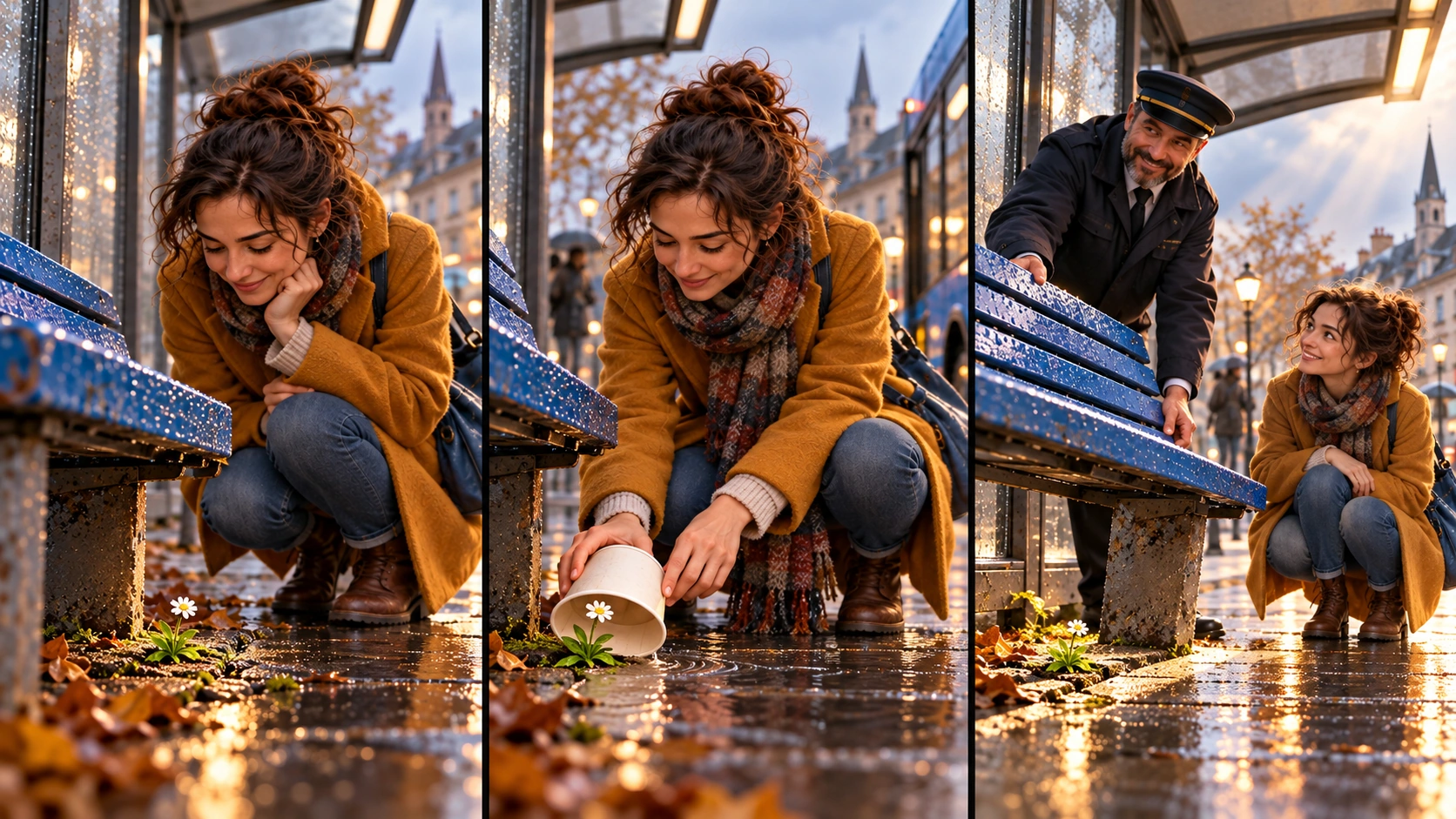
From the first action to the final image
A tiny flower grows through a crack beneath the bench.
The traveller shields it from a puddle with an empty cup.
The driver moves the bench to let the flower reach the light.
One way the dialogue could begin
“It got here before the bus.”
“Maybe it was waiting for the sun.”
The details that shape the scene
Make the story understandable without a previous episode.
Check faces and subtitles in a phone-sized frame.
Treat creation, editing and publishing as separate steps.
Describe your idea
A place, a character, an action. After signing up, continue with your idea and adapt the story to your intention.
Choose your workflow
Express automates story production. In Studio, prepare references and review images before animating them.
Review and start creating
Choose available options and check the displayed cost before starting. Then review scenes, voices and subtitles.
Before you start
How do I plan a story for YouTube Shorts?
Establish a clear situation at the start, then progress towards a conclusion or an announced continuation. Check vertical framing and text on a phone.
Can I keep reusing the same Short unchanged?
Give each episode a distinct idea or development. Check image and music rights and YouTube’s current publication rules before posting.
Does the button generate a video immediately?
It saves your idea in this tab and opens signup. Creation starts after you choose and launch it in the application. Existing signed-in members continue in the editor.
FruitStory
More ideas to explore

AI Instagram Reels Generator
Create original AI videos for Instagram Reels: characters, dialogue and vertical scenes. Turn an idea into a visual story to prepare for your next post.
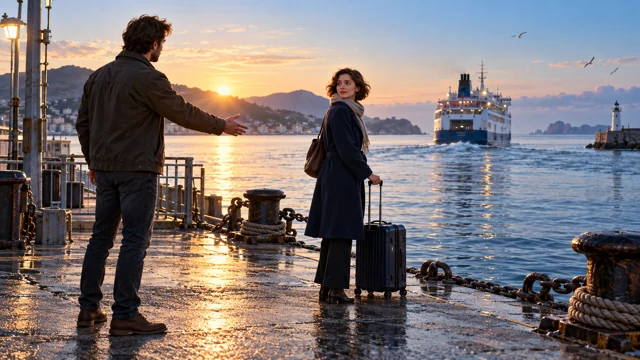
Script to Video AI
Turn your script into an AI video: adapt the text into scenes, characters and dialogue. Create with Express or prepare each shot in FruitStory Studio.
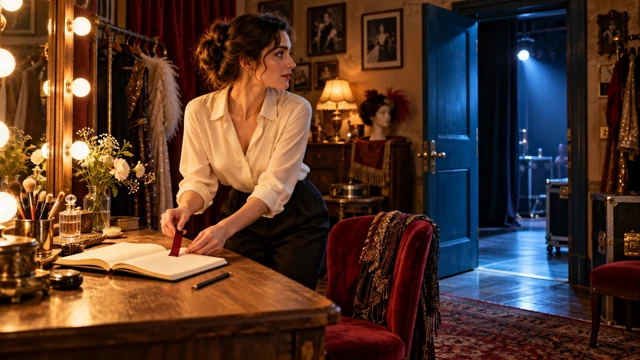
AI Video Continuity: Keep Scenes Consistent
Plan continuity between AI video scenes. Track props, lighting and screen direction with a practical dressing-room example and a shot checklist.