
FruitStory Create with FruitStory
AI Instagram Reels Generator
Create original AI videos for Instagram Reels: characters, dialogue and vertical scenes. Turn an idea into a visual story to prepare for your next post.
The story in pictures
An original scenario you can adapt
The repaired cup
A bright pottery workshop with low shelves.
A ceramicist and a customer bringing a chipped cup.
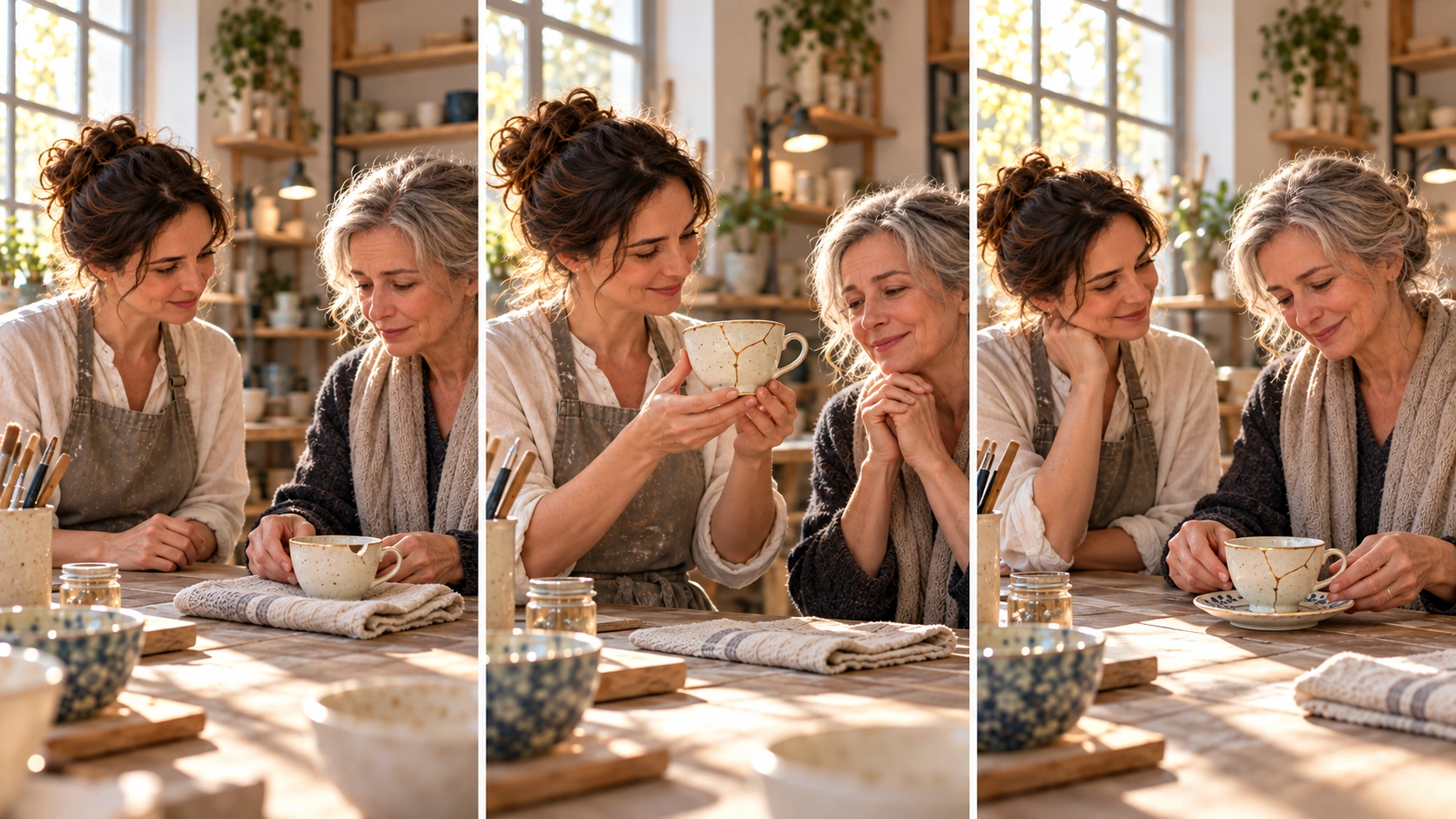
From the first action to the final image
The customer places the damaged cup on a towel.
The ceramicist turns the repaired cup in the light.
The customer returns it to the saucer she had kept.
One way the dialogue could begin
“I wanted the same one.”
“Then we’ll keep its story.”
The details that shape the scene
Make the transformation readable at a glance
The whole cup, its damage and its repair give the Reel a visual thread. Preserve the same object and hands between shots. Choose a cover where the subject still makes sense as a small thumbnail.
You can plan a brand story or workshop fiction without presenting an invented customer as real. Check music rights, subtitles and framing during the edit. Publishing to Instagram remains a separate step.
The details that shape the scene
Keep the whole object readable in the planned cover.
Use a recognisable gesture so the scene works without sound.
Check framing and subtitles before your own Instagram upload.
Describe your idea
A place, a character, an action. After signing up, continue with your idea and adapt the story to your intention.
Choose your workflow
Express automates story production. In Studio, prepare references and review images before animating them.
Review and start creating
Choose available options and check the displayed cost before starting. Then review scenes, voices and subtitles.
Before you start
How do I make an AI video readable as an Instagram Reel?
Keep the main action and text easy to see on a phone. Preview with Instagram’s interface so a button does not cover an important detail.
Should I plan for people watching with sound off?
Clear gestures and reviewed captions can carry the scene without audio. Listen to the sound version too, to check voices and their delivery.
Does the button generate a video immediately?
It saves your idea in this tab and opens signup. Creation starts after you choose and launch it in the application. Existing signed-in members continue in the editor.
FruitStory
More ideas to explore
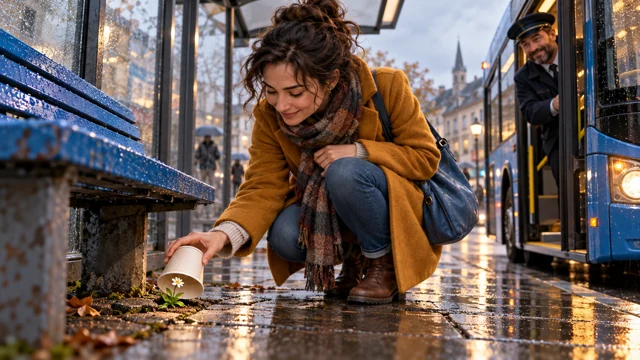
AI YouTube Shorts Generator
Create original AI videos for YouTube Shorts from your ideas, with voices, captions and vertical scenes. Build a new story for your next upload.
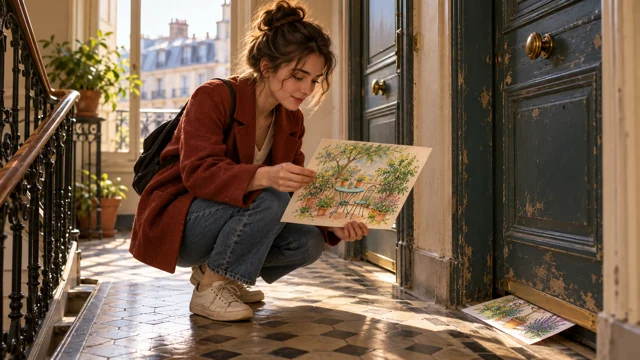
AI Story Video Generator
Turn your idea into an AI story video with characters, dialogue and animated scenes. Create with Express or direct individual shots in FruitStory Studio.
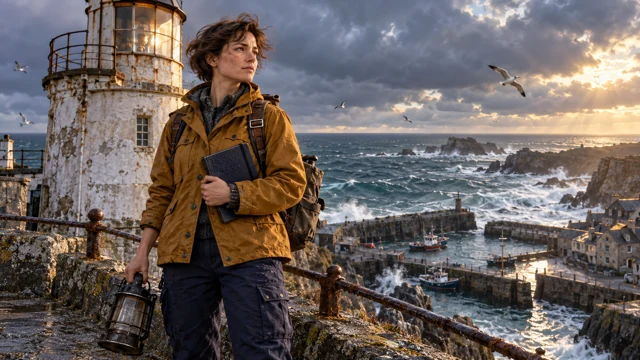
AI Character Generator for Stories
Create an AI character for your videos: face, outfit, silhouette and reference images. Develop a recognisable look, then bring the character into your story.