
FruitStory Create with FruitStory
AI Sci-Fi Video Generator
Create sci-fi videos with AI: robots, imagined worlds and space adventures. Describe your universe, write the dialogue and bring your characters to life.
The story in pictures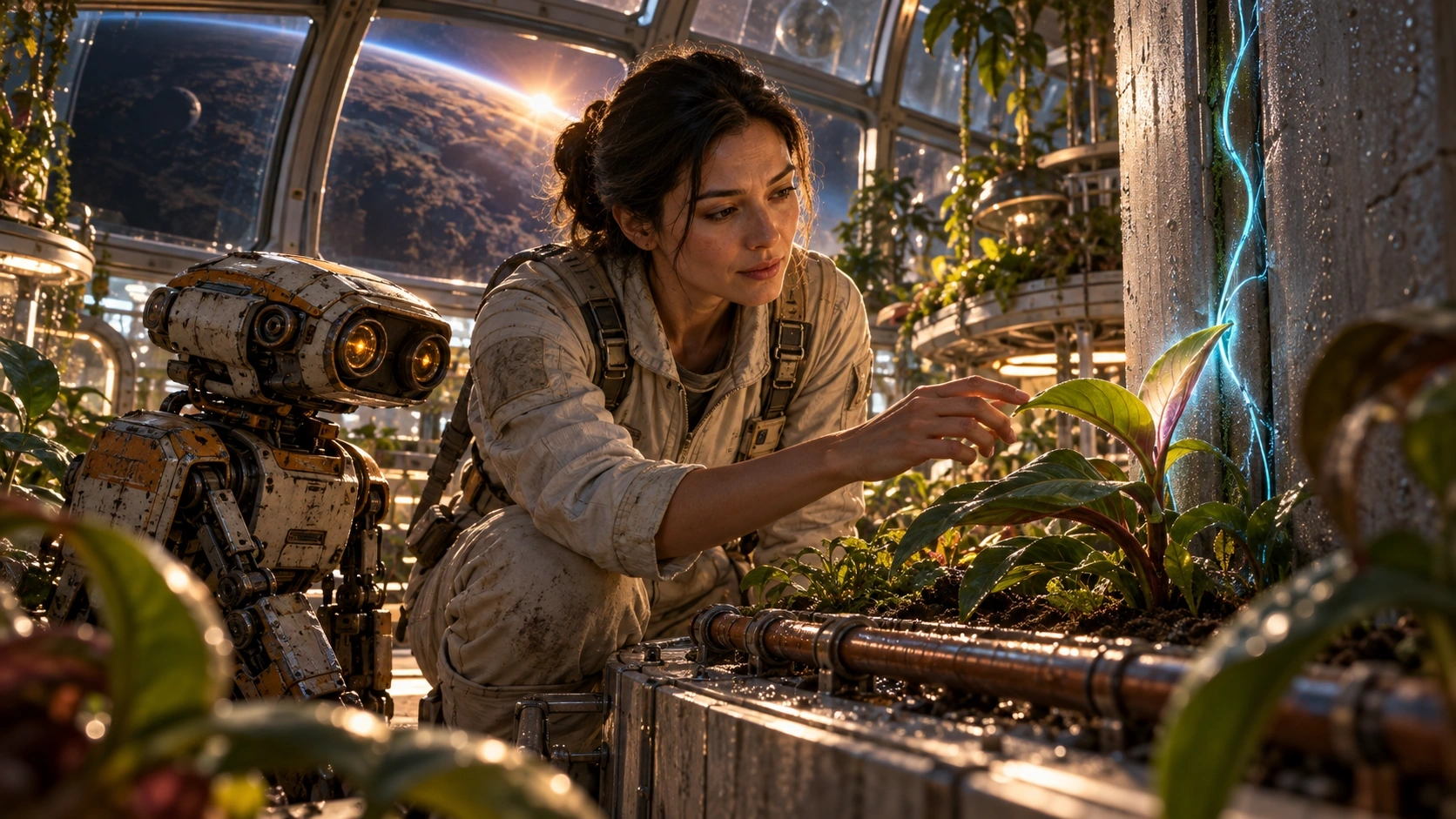
The details that shape the scene
Put a scientific mystery at the centre of the frame
The greenhouse and robot establish the genre, but the plant carries the story. Specify what changes, where the light comes from and how the characters notice it. The viewer should not need a technical glossary to understand the discovery.
For a trailer concept, keep the same phenomenon and finish on a visual question. You can plan short shots and changes of pace; this page does not promise automatic trailer editing or music synchronisation.
An original scenario you can adapt
The garden in orbit
A station greenhouse facing a dark planet.
A botanist in a work suit and a small maintenance robot.
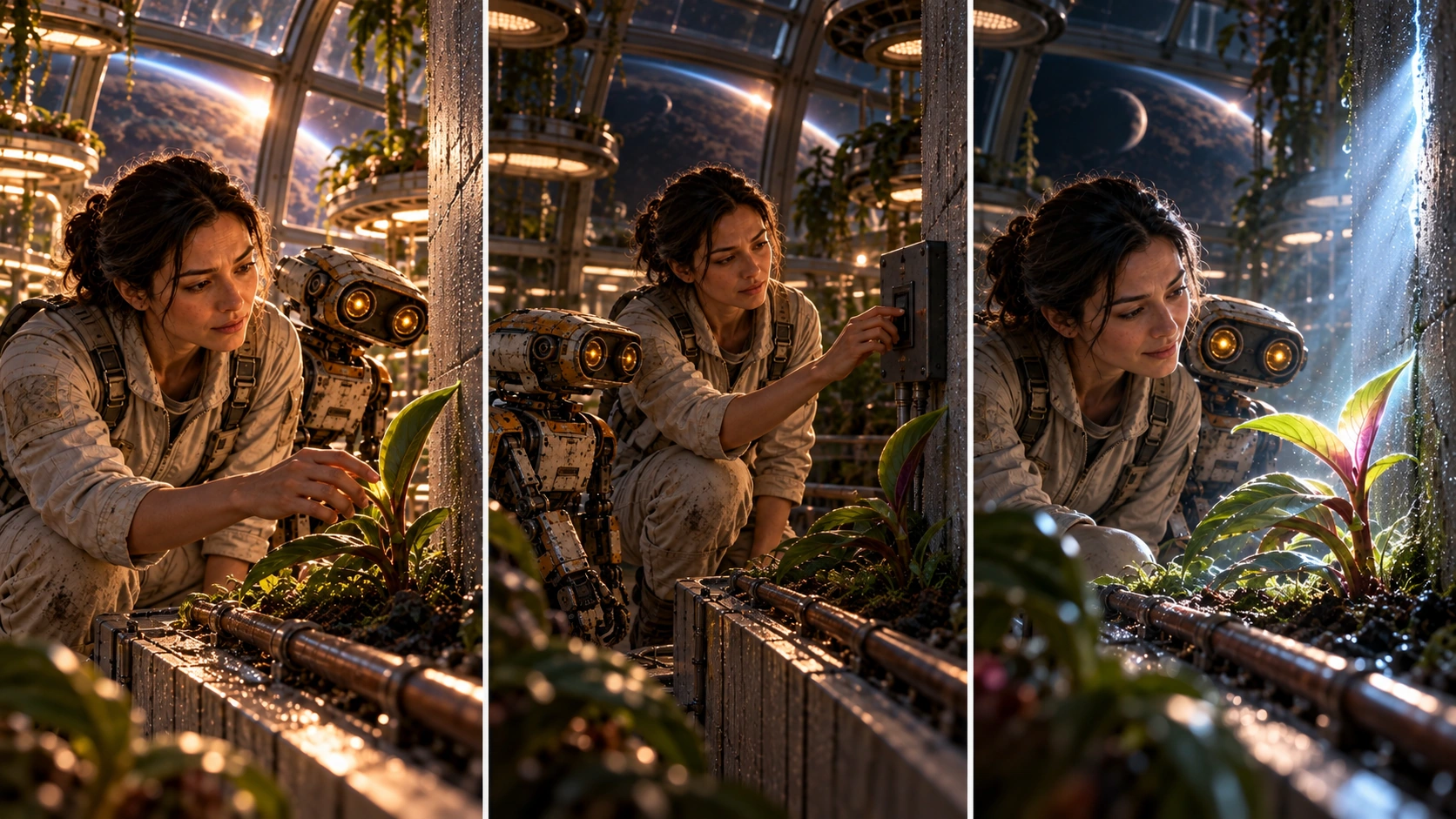
From the first action to the final image
The botanist finds a shoot turning towards an opaque wall.
The robot switches off the artificial lighting.
A thin glow crosses the wall and the shoot opens.
One way the dialogue could begin
“It isn’t looking for our sun.”
“Then what’s out there?”
The details that shape the scene
Give the scene one central phenomenon instead of five technologies to explain.
Keep the station architecture, suit texture and light source consistent.
Describe the strange event and the reaction before adding spectacle.
Describe your idea
A place, a character, an action. After signing up, continue with your idea and adapt the story to your intention.
Choose your workflow
Express automates story production. In Studio, prepare references and review images before animating them.
Review and start creating
Choose available options and check the displayed cost before starting. Then review scenes, voices and subtitles.
Before you start
How do I make a sci-fi world easy to follow?
Introduce one visible rule: a door recognises memories, or a robot loses a signal. Show its effect on the character before adding more inventions.
How do I keep a futuristic prop consistent?
Define its shape, colours, purpose and the hand holding it. Reuse those references and review each scene image in Studio before animation.
Does the button generate a video immediately?
It saves your idea in this tab and opens signup. Creation starts after you choose and launch it in the application. Existing signed-in members continue in the editor.
FruitStory
More ideas to explore

AI Fantasy Video Generator
Create fantasy videos with AI: magical creatures, enchanted places and original adventures. Build your world, characters and dialogue with FruitStory.

Script to Video AI
Turn your script into an AI video: adapt the text into scenes, characters and dialogue. Create with Express or prepare each shot in FruitStory Studio.
AI Character Generator for Stories
Create an AI character for your videos: face, outfit, silhouette and reference images. Develop a recognisable look, then bring the character into your story.