
FruitStory Create with FruitStory
AI Fantasy Video Generator
Create fantasy videos with AI: magical creatures, enchanted places and original adventures. Build your world, characters and dialogue with FruitStory.
The story in pictures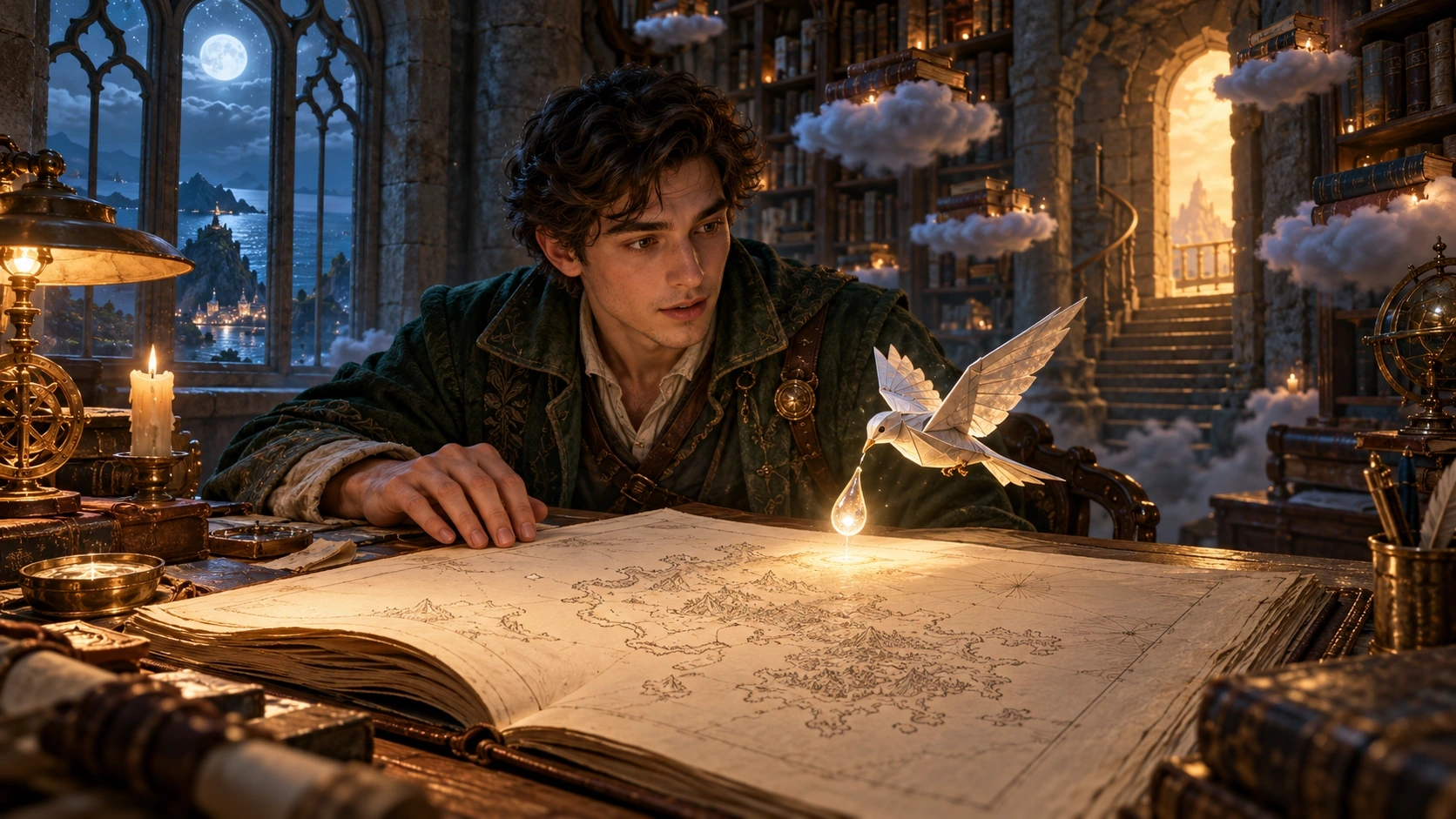
An original scenario you can adapt
The library of clouds
A stone tower where books rest on low drifting clouds.
A young cartographer and a silver paper bird.
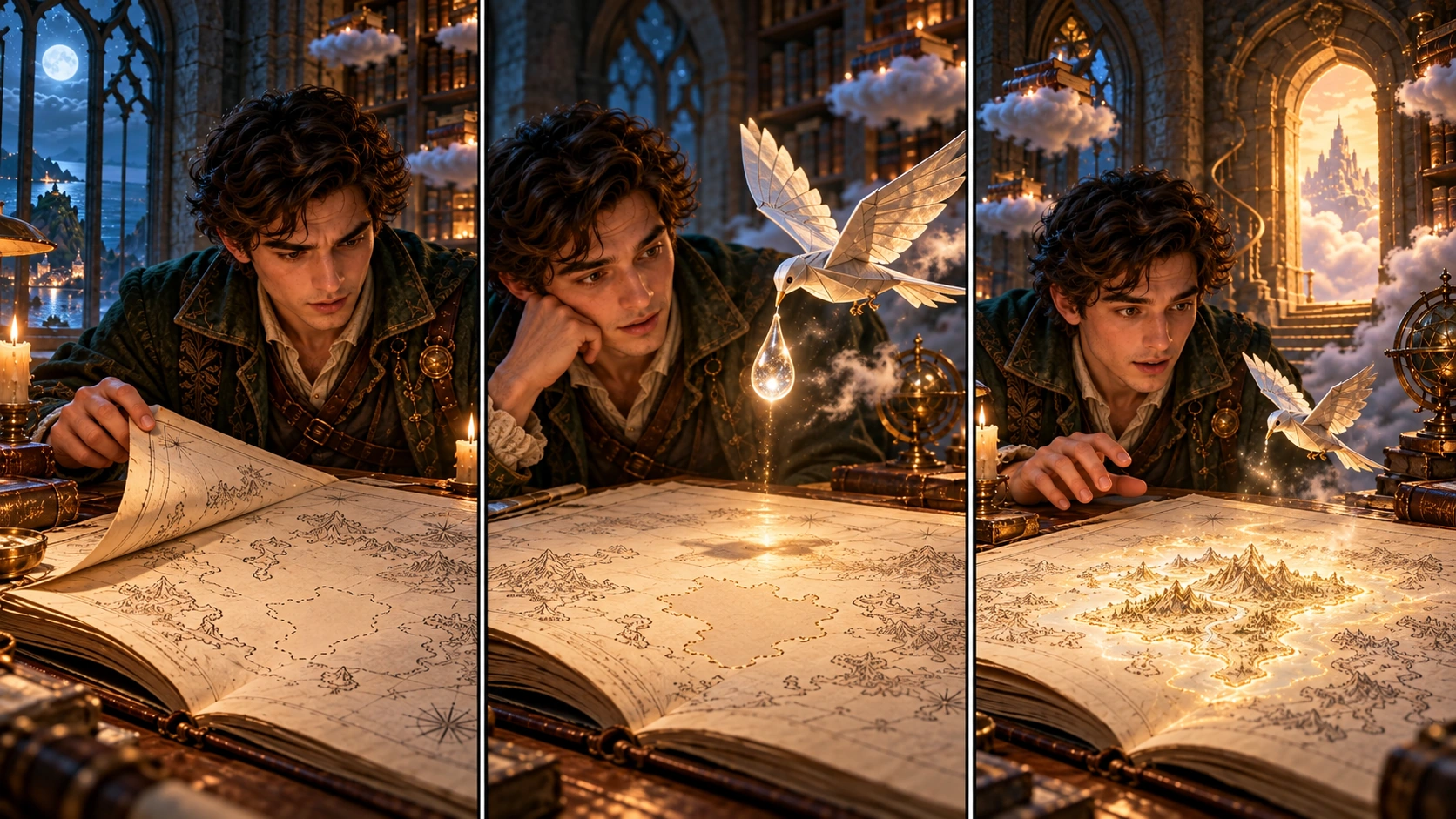
From the first action to the final image
The cartographer opens an atlas with a missing island.
The bird places a drop from a cloud onto the map.
The island takes shape in the atlas, with a glowing path towards its shore.
One way the dialogue could begin
“Have we found it?”
“We’ve opened a way through.”
The details that shape the scene
Set a magical rule, then follow it
The drop reveals an island: that connection gives the magic meaning. Repeat the paper texture, the light colour and the atlas shape when describing subsequent shots. Concrete materials do more work than a string of words such as epic or wonderful.
Next, decide what the characters risk by opening the doorway. A quiet discovery and a tense adventure can share a setting while telling different stories. Style and tone remain yours to change.
The details that shape the scene
Keep one visible magical rule consistent across the sequence.
Distinguish rough stone, folded paper and luminous mist.
Use an original world rather than relying on a recognisable franchise.
Describe your idea
A place, a character, an action. After signing up, continue with your idea and adapt the story to your intention.
Choose your workflow
Express automates story production. In Studio, prepare references and review images before animating them.
Review and start creating
Choose available options and check the displayed cost before starting. Then review scenes, voices and subtitles.
Before you start
How do I introduce magic without losing the story?
Show what the character wants, then how magic helps or obstructs them. A visible consequence is easier to follow than unrelated displays of power.
Do I need a whole fantasy world before making a video?
A place, a character and one rule can be enough for a first scene. Expand the world when the story needs it, keeping visual details consistent.
Does the button generate a video immediately?
It saves your idea in this tab and opens signup. Creation starts after you choose and launch it in the application. Existing signed-in members continue in the editor.
FruitStory
More ideas to explore
AI Animated Bedtime Story Maker
Create animated bedtime stories with AI: memorable characters, imagined settings and a reassuring ending. Adapt the story and dialogue to your audience.
AI Sci-Fi Video Generator
Create sci-fi videos with AI: robots, imagined worlds and space adventures. Describe your universe, write the dialogue and bring your characters to life.
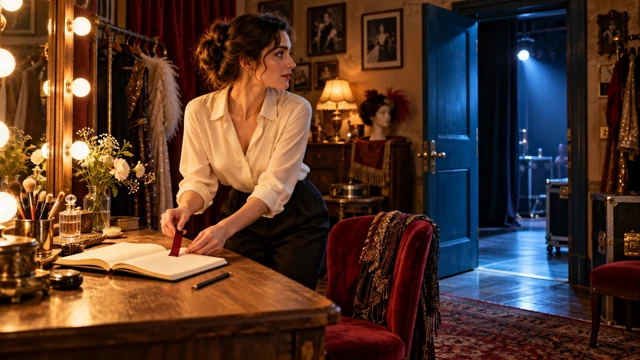
AI Video Continuity: Keep Scenes Consistent
Plan continuity between AI video scenes. Track props, lighting and screen direction with a practical dressing-room example and a shot checklist.