
FruitStory Create with FruitStory
AI Animated Bedtime Story Maker
Create animated bedtime stories with AI: memorable characters, imagined settings and a reassuring ending. Adapt the story and dialogue to your audience.
The story in pictures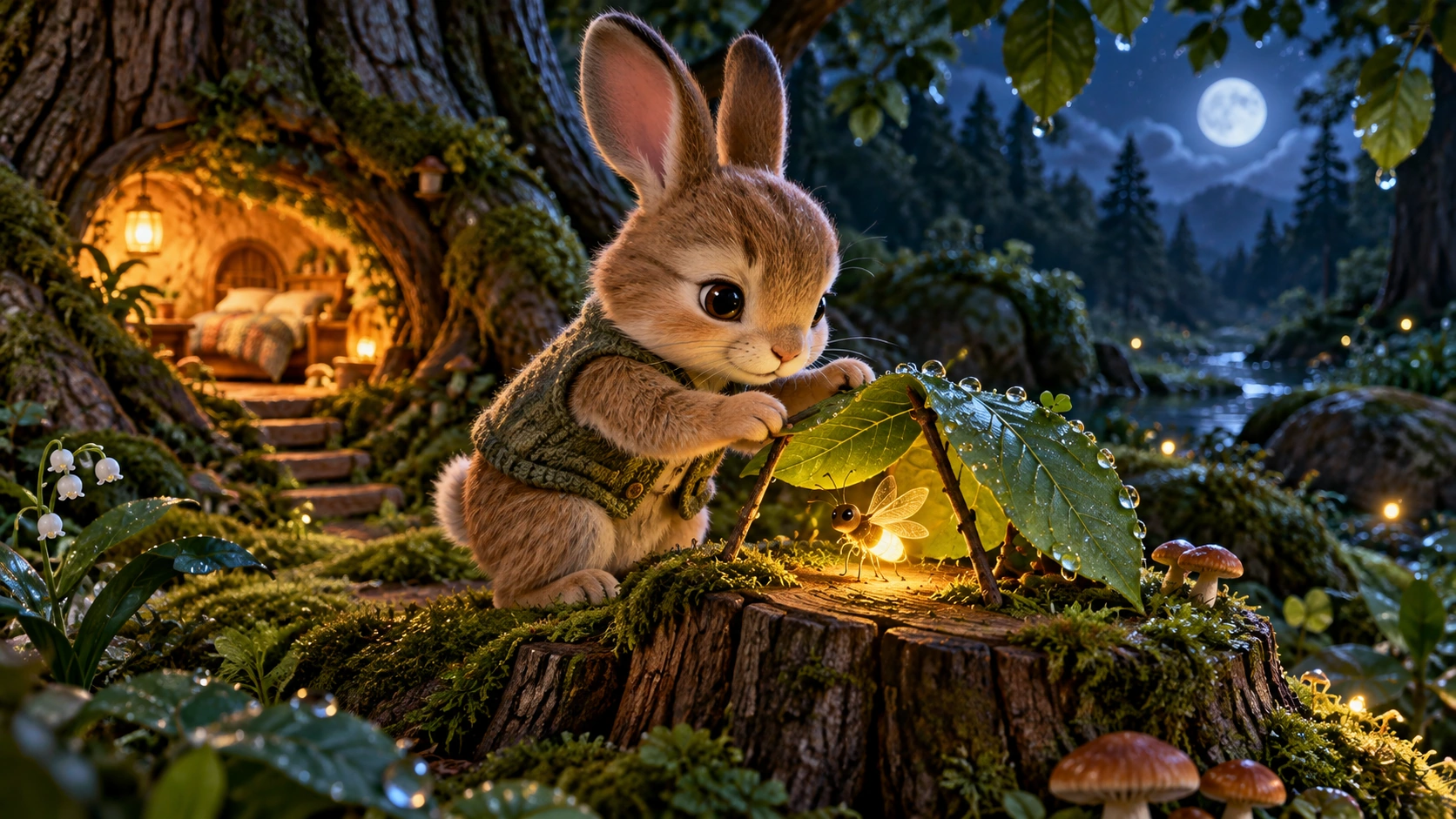
An original scenario you can adapt
The forest nightlight
A cosy burrow and a path edged with moss.
A rabbit and a small firefly whose light is fading.
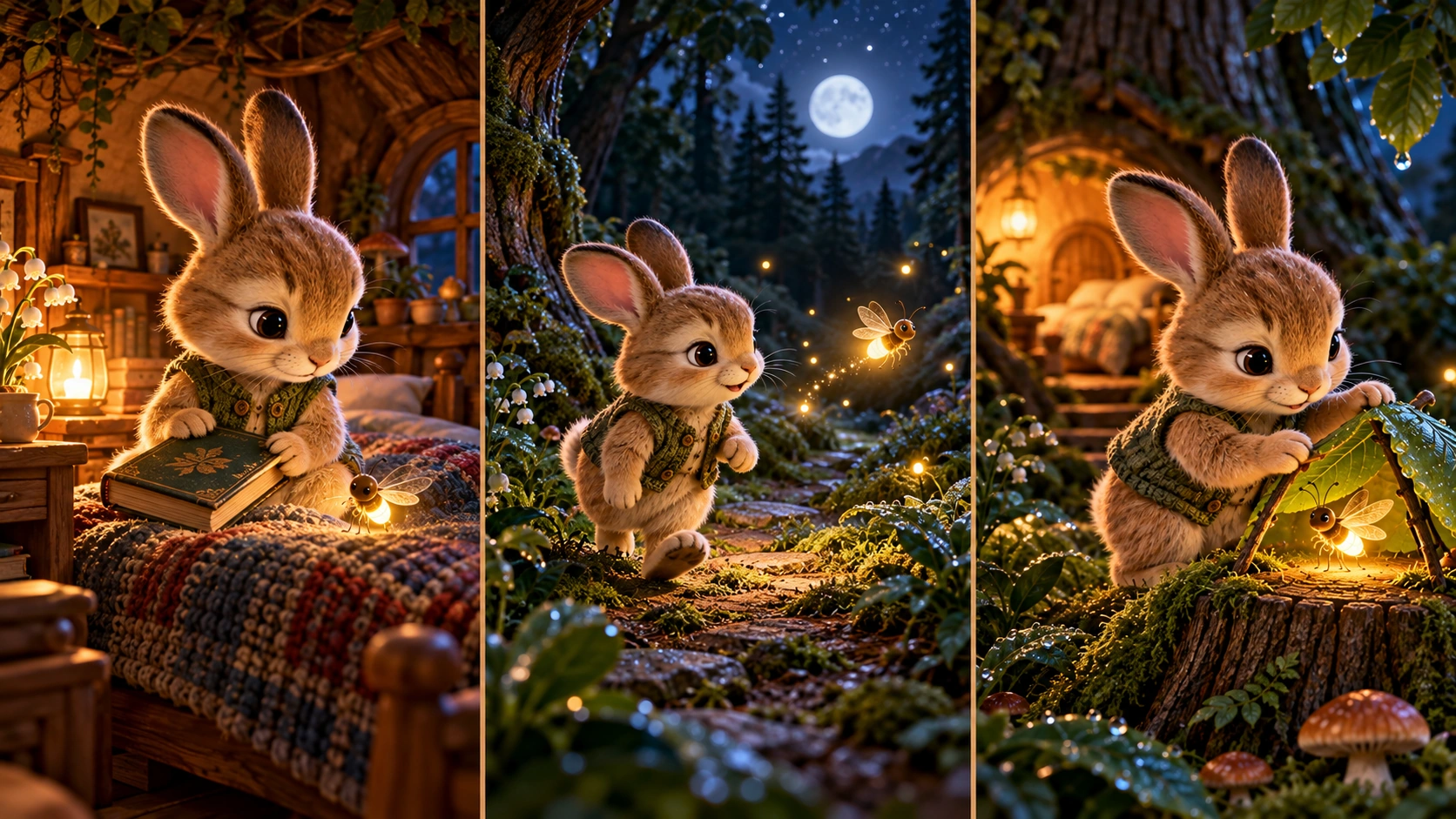
From the first action to the final image
The rabbit closes a book when the nightlight goes out.
He follows a firefly to a sheltered tree stump.
He makes it a little leaf roof and returns feeling reassured.
One way the dialogue could begin
“Are you afraid of the dark?”
“Less when there are two of us.”
The details that shape the scene
Use calm shots, soft lighting and a resolved ending for this example.
Listen to the actual voices and volume before sharing the video.
Resolve the small problem introduced at the beginning.
The details that shape the scene
Give the tale a real resolution
The rabbit needs more than a beautiful forest to walk through. He notices a worry, offers help and finds calm again. Let the final image answer the small problem raised at the start, with vocabulary and pacing suited to the intended audience.
Soft light is a creative intention rather than a guaranteed output. Check pauses, voices and volume in the produced video. An adult creator remains responsible for preparing and reviewing the tale.
Describe your idea
A place, a character, an action. After signing up, continue with your idea and adapt the story to your intention.
Choose your workflow
Express automates story production. In Studio, prepare references and review images before animating them.
Review and start creating
Choose available options and check the displayed cost before starting. Then review scenes, voices and subtitles.
Before you start
How do I prepare an animated bedtime story?
Choose an easy-to-follow situation, gentle progression and a conclusion suited to your audience. Describe the pace, sound atmosphere and anything to avoid.
Should one narrator tell the whole bedtime story?
A stable voice can make the story easier to follow. Specify the desired language and tone, then check pronunciation, volume and voice changes in the complete output.
Does the button generate a video immediately?
It saves your idea in this tab and opens signup. Creation starts after you choose and launch it in the application. Existing signed-in members continue in the editor.
FruitStory
More ideas to explore
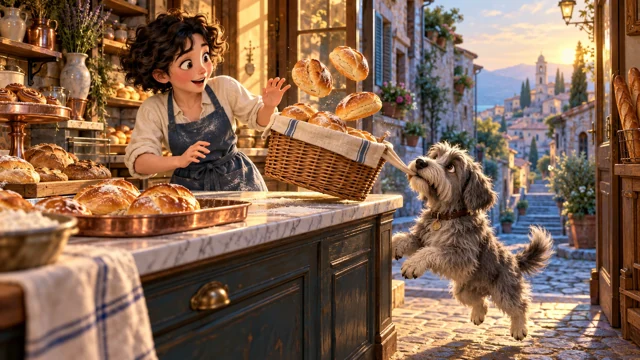
AI Cartoon Video Generator
Create cartoon videos with AI: expressive characters, original settings and dialogue. Turn an adventure or a visual gag into animated scenes with FruitStory.

AI Fantasy Video Generator
Create fantasy videos with AI: magical creatures, enchanted places and original adventures. Build your world, characters and dialogue with FruitStory.
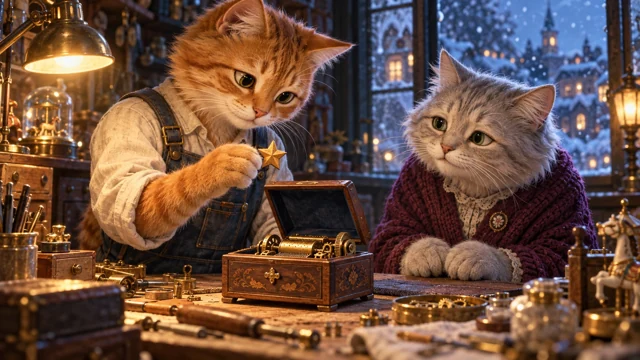
AI Cat Story Video Generator
Create AI cat story videos with expressive characters, dialogue and a world of your own. Explore an original example, then start your cat’s next adventure.