
FruitStory Create with FruitStory
AI Cartoon Video Generator
Create cartoon videos with AI: expressive characters, original settings and dialogue. Turn an adventure or a visual gag into animated scenes with FruitStory.
The story in pictures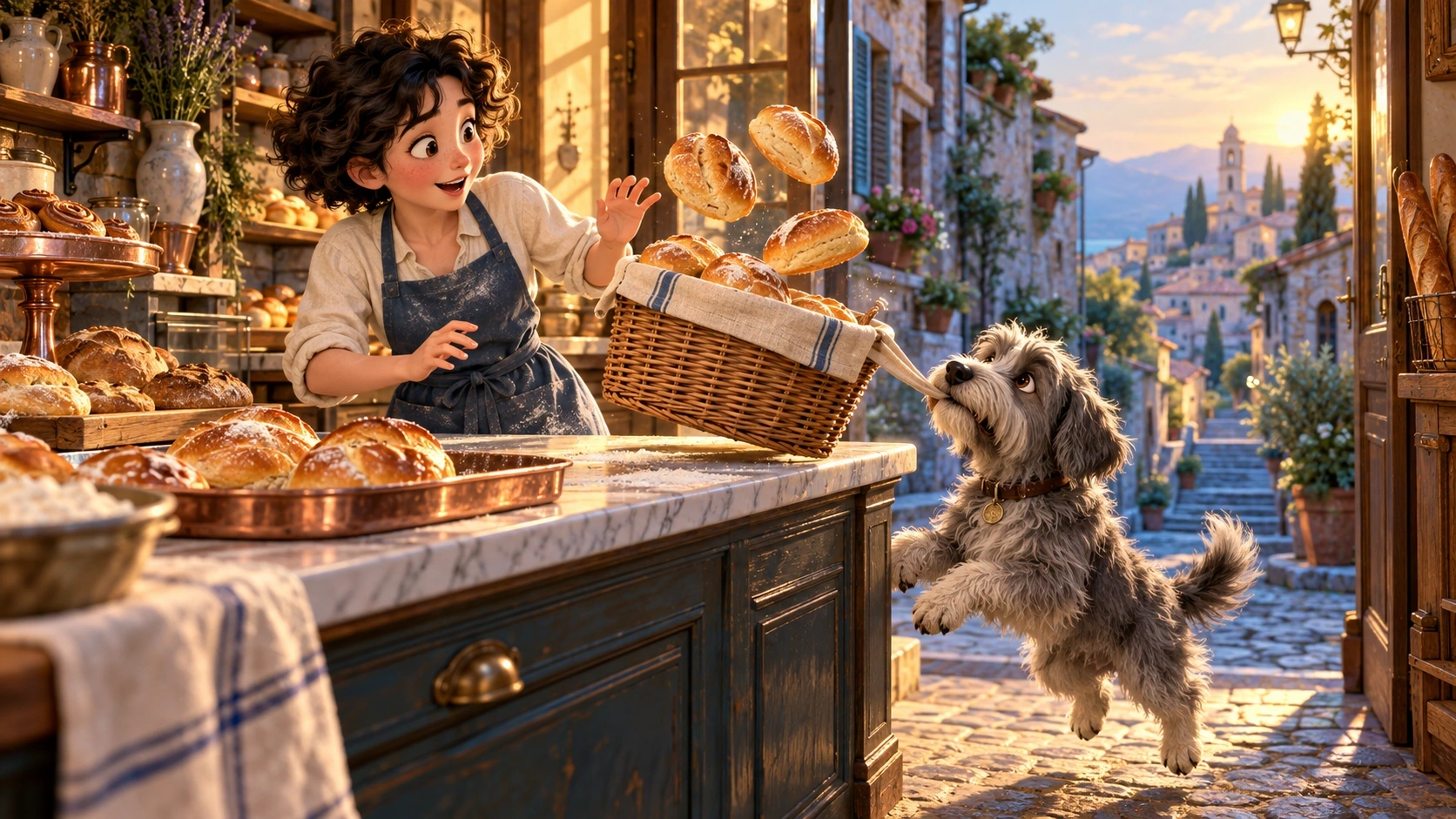
An original scenario you can adapt
The floating bakery
A pastel bakery on a sloping street at dawn.
A young adult apprentice baker and her large grey dog.
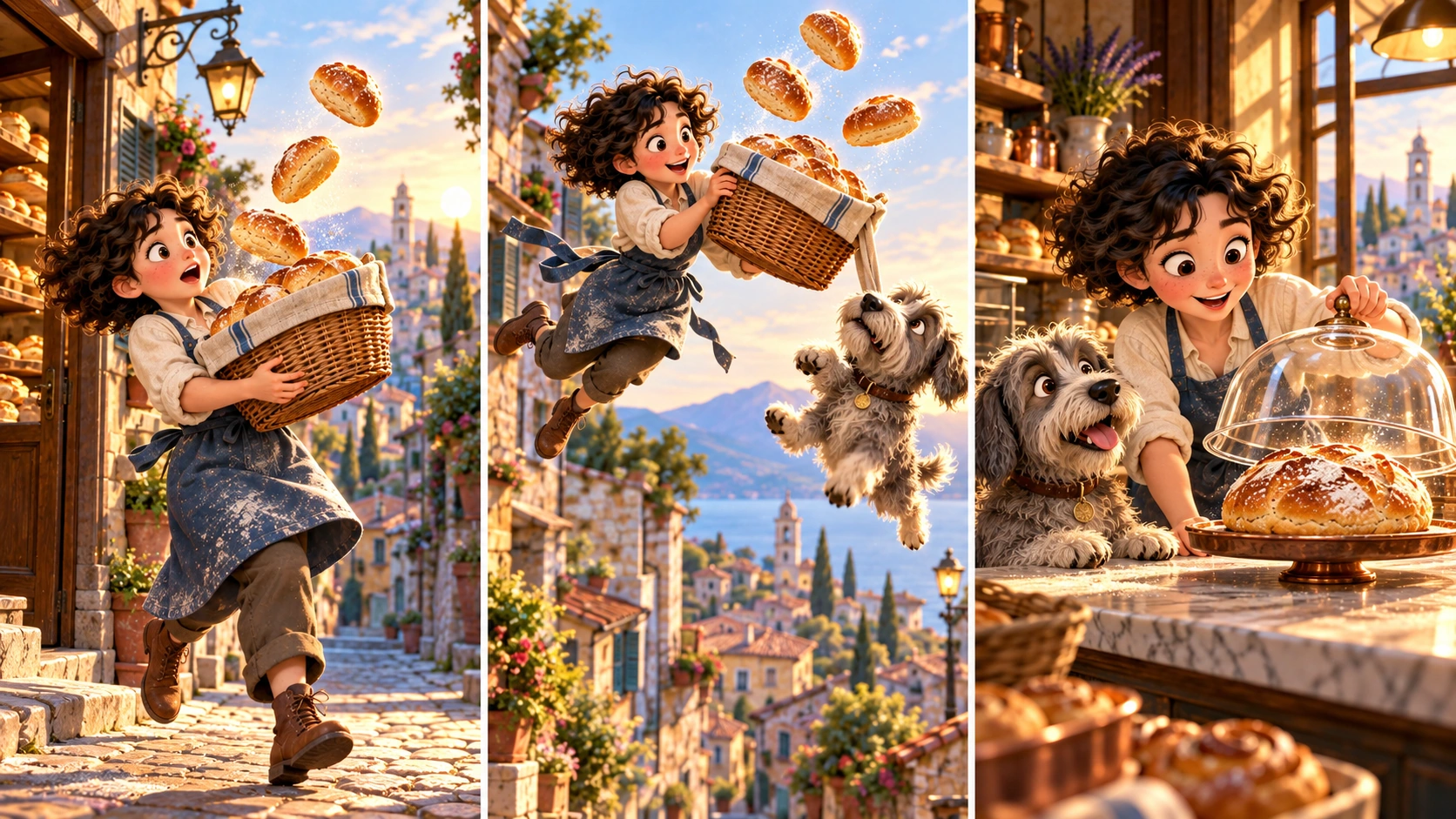
From the first action to the final image
An impossibly light loaf lifts the apprentice’s basket.
The dog grabs its strap and begins to float too.
They return the loaf to the counter beneath a glass dome.
One way the dialogue could begin
“I may have used too much yeast.”
“Just a little.”
The details that shape the scene
Give an impossible world believable weight
The bread may float, but the strap should still pull the basket in the same direction. Describe the gesture, the object being touched and the reaction. A specific action is more useful than simply asking for something funny and magical.
This example uses soft 3D cartoon volumes. For an anime look, explore the dedicated anime page. For a comic-style sequence, plan strong poses and readable panels before deciding which parts should move.
The details that shape the scene
Give each exaggerated reaction a clear gesture and readable silhouette.
Check character anatomy and the direction of the basket strap between shots.
Keep one visual rule for the floating bread throughout the scene.
Describe your idea
A place, a character, an action. After signing up, continue with your idea and adapt the story to your intention.
Choose your workflow
Express automates story production. In Studio, prepare references and review images before animating them.
Review and start creating
Choose available options and check the displayed cost before starting. Then review scenes, voices and subtitles.
Before you start
How do I give a cartoon character a personality?
Connect appearance to behaviour: impatient, cautious or clumsy. Show that trait through an action rather than explaining everything in dialogue.
How do I keep the cartoon style consistent between shots?
Reuse references, proportions, colours and outfits. In Studio, review images before animation; references guide the output but do not guarantee identical results.
Does the button generate a video immediately?
It saves your idea in this tab and opens signup. Creation starts after you choose and launch it in the application. Existing signed-in members continue in the editor.
FruitStory
More ideas to explore
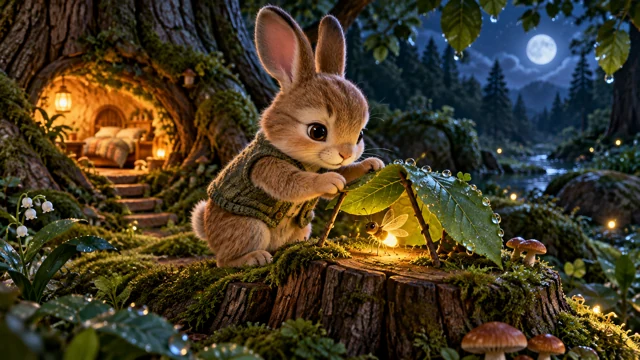
AI Animated Bedtime Story Maker
Create animated bedtime stories with AI: memorable characters, imagined settings and a reassuring ending. Adapt the story and dialogue to your audience.
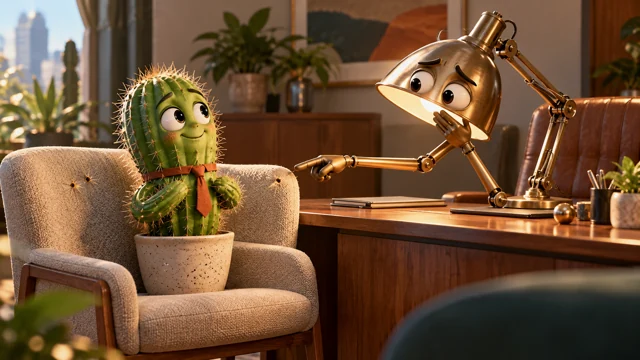
AI Funny Video Generator
Create funny AI videos with quirky characters, absurd situations and visual punchlines. Turn your own joke or comedy idea into animated scenes with FruitStory.
AI Character Generator for Stories
Create an AI character for your videos: face, outfit, silhouette and reference images. Develop a recognisable look, then bring the character into your story.