
FruitStory Create with FruitStory
AI Funny Video Generator
Create funny AI videos with quirky characters, absurd situations and visual punchlines. Turn your own joke or comedy idea into animated scenes with FruitStory.
The story in pictures
The details that shape the scene
Set up the joke and let the reaction breathe
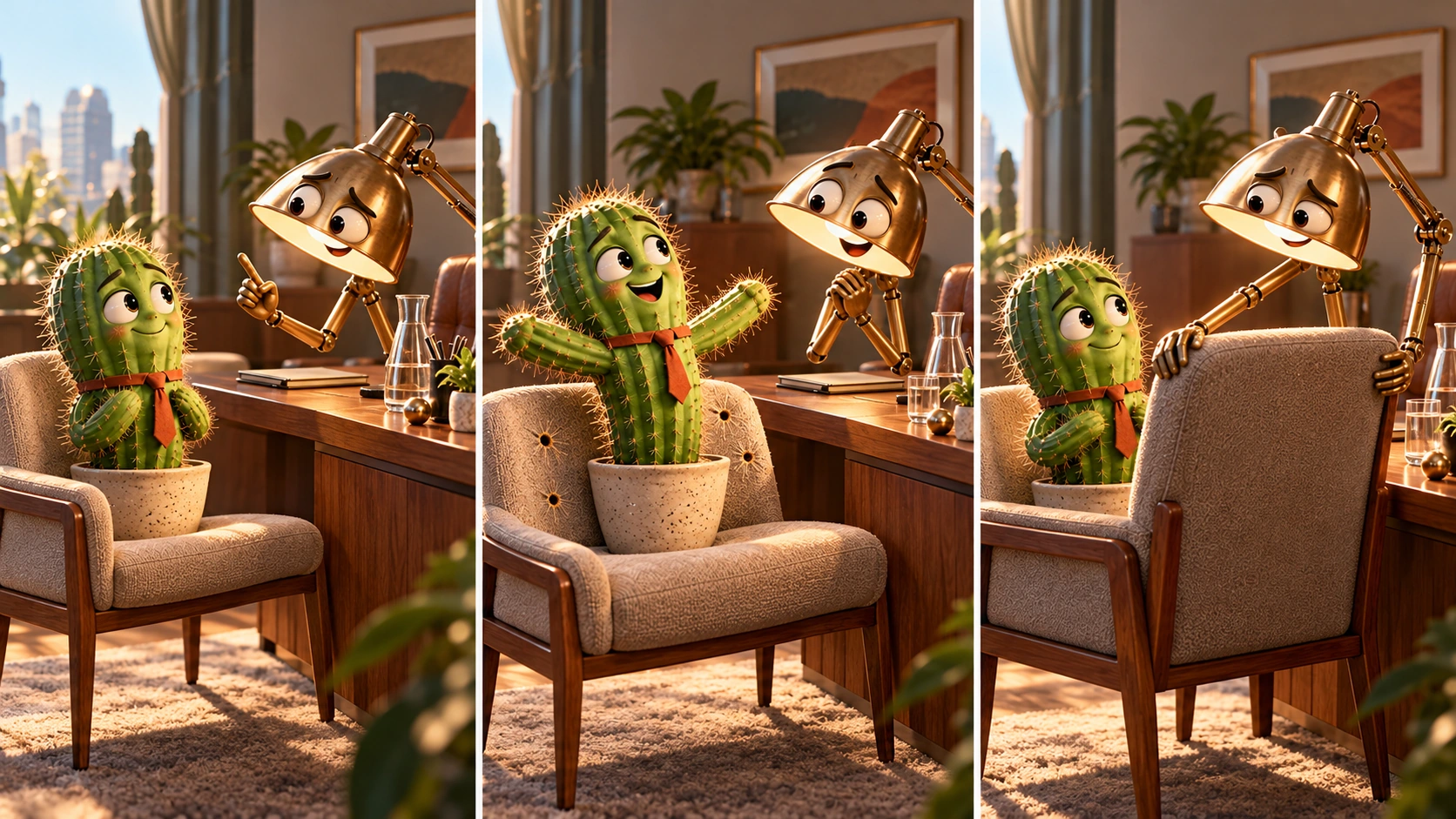
The intact chair establishes what changes. The cactus causes the surprise, then the lamp tries to keep the interview professional. Without that final beat, the scene is an accident rather than a complete visual joke.
Humour can come from an object, a contradiction or a serious exchange in an absurd setting. You do not need a stream of exaggerated faces. Prioritise the action and the timing of the response.
An original scenario you can adapt
The cactus interview
A restrained office with two chairs and a water jug.
A cactus applicant with a tiny tie and a desk lamp conducting the interview.
From the first action to the final image
The lamp asks the cactus to describe its greatest strength.
The cactus proudly stretches its arms and punctures the chair.
The lamp turns the chair around to hide the holes.
One way the dialogue could begin
“I grow on people.”
“That might be a problem for the furniture.”
The details that shape the scene
Use the first two shots to set up the gag and leave time for the reaction.
Make the action readable instead of listing comic adjectives.
Check that the prop causing the joke is visible on a phone.
Describe your idea
A place, a character, an action. After signing up, continue with your idea and adapt the story to your intention.
Choose your workflow
Express automates story production. In Studio, prepare references and review images before animating them.
Review and start creating
Choose available options and check the displayed cost before starting. Then review scenes, voices and subtitles.
Before you start
How do I set up a funny video ending?
Establish a clear expectation, then overturn it with an understandable consequence. A prop or gesture from the opening can return in the punchline.
How do I keep a short visual joke clear?
Focus the shot on the useful action and allow the reaction to register. Too many simultaneous movements or lines can hide the joke.
Does the button generate a video immediately?
It saves your idea in this tab and opens signup. Creation starts after you choose and launch it in the application. Existing signed-in members continue in the editor.
FruitStory
More ideas to explore
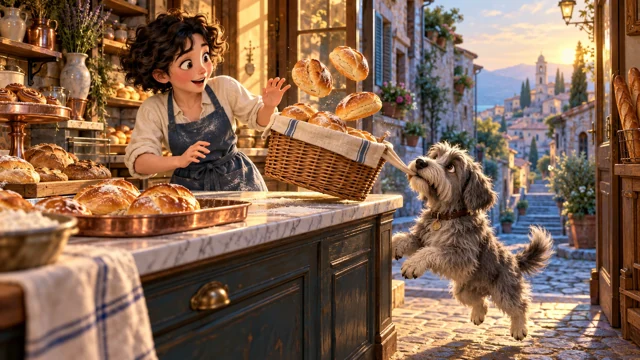
AI Cartoon Video Generator
Create cartoon videos with AI: expressive characters, original settings and dialogue. Turn an adventure or a visual gag into animated scenes with FruitStory.

AI Instagram Reels Generator
Create original AI videos for Instagram Reels: characters, dialogue and vertical scenes. Turn an idea into a visual story to prepare for your next post.

Script to Video AI
Turn your script into an AI video: adapt the text into scenes, characters and dialogue. Create with Express or prepare each shot in FruitStory Studio.