
FruitStory Create with FruitStory
AI Mystery Video Generator
Create a fictional mystery video with AI: clues, suspects and a final reveal. Turn your own detective story idea into characters, dialogue and animated scenes.
The story in pictures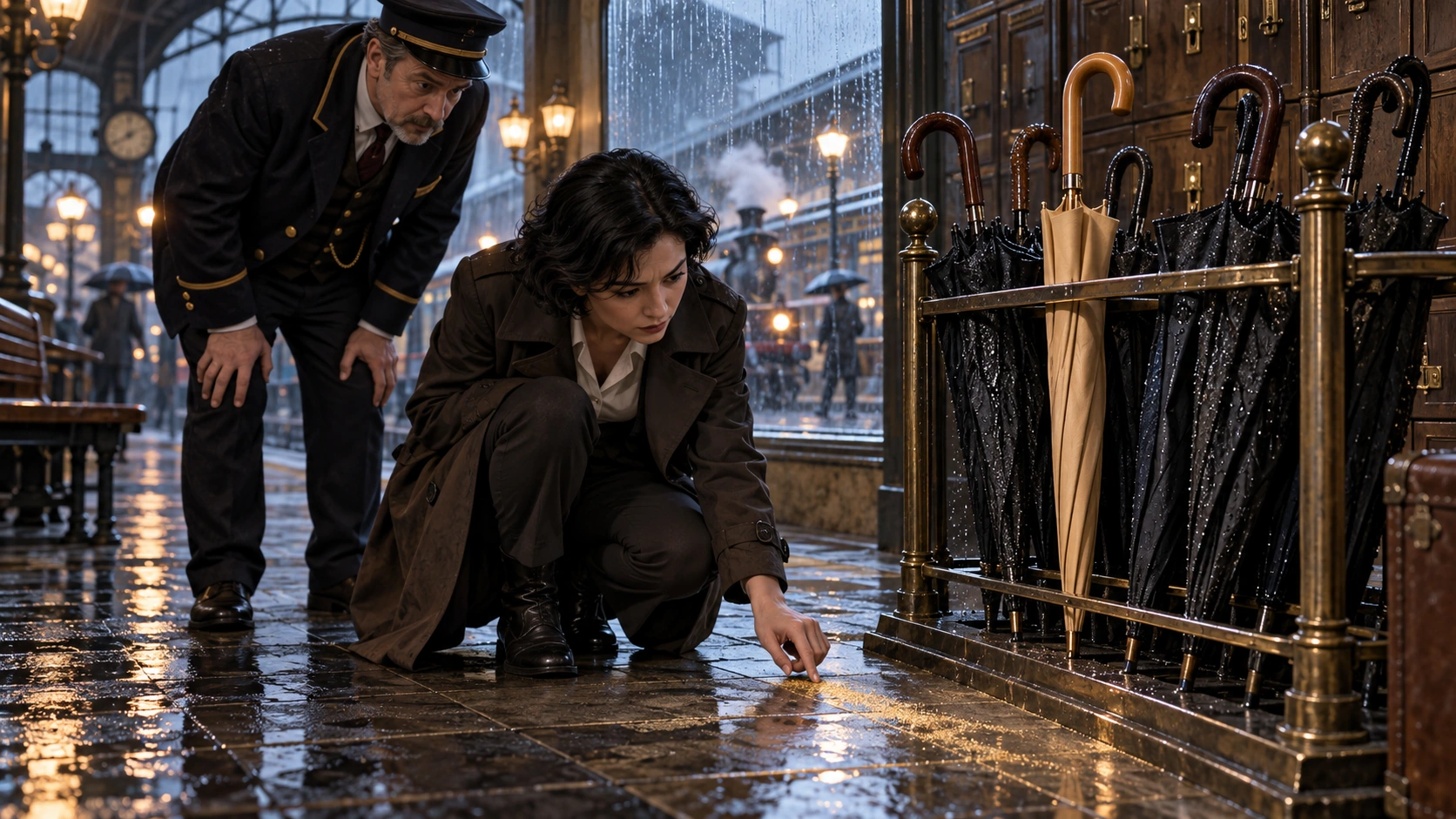
The details that shape the scene
Let the viewer see the clue before the answer
The dry umbrella needs to stand out among the wet ones. A closer shot can then reveal the sand. The reasoning feels fair because the audience has access to the same evidence as the detective.
Write original fiction and avoid documents full of invented readable text. For a real case, facts, people and sources need separate verification: this workflow does not conduct a documentary investigation.
An original scenario you can adapt
The dry umbrella
A small station luggage office during a downpour.
A detective and a station attendant.
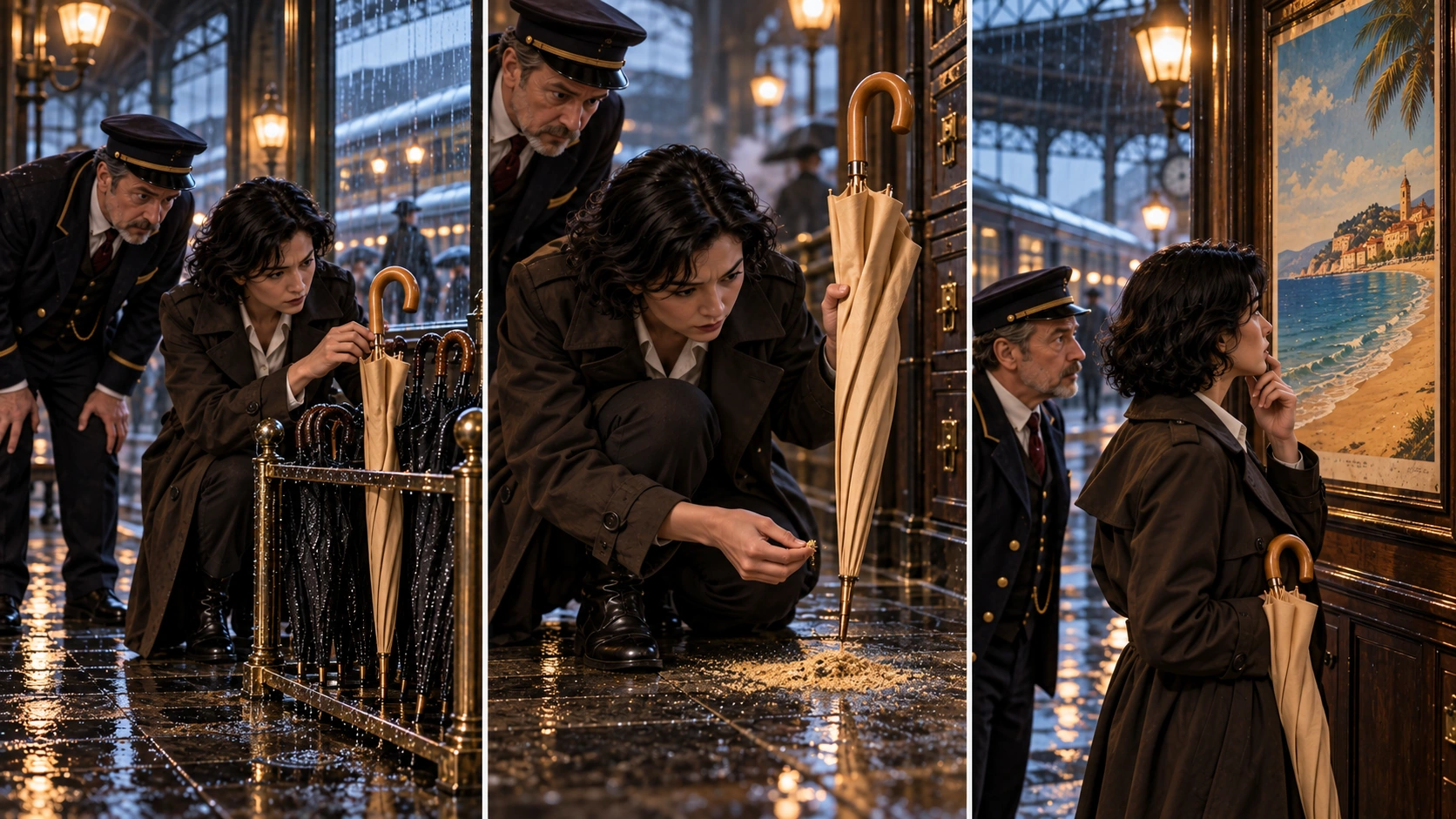
From the first action to the final image
Every umbrella on the rack is dripping except one.
The detective finds a trace of sand beneath the dry umbrella.
She looks towards a beach poster at the end of the platform.
One way the dialogue could begin
“It hasn’t been out in this rain.”
“It came from somewhere else.”
The details that shape the scene
Show the clue before explaining what it means.
Keep invented mysteries separate from factual documentary claims.
Avoid relying on generated text on evidence labels or documents.
Describe your idea
A place, a character, an action. After signing up, continue with your idea and adapt the story to your intention.
Choose your workflow
Express automates story production. In Studio, prepare references and review images before animating them.
Review and start creating
Choose available options and check the displayed cost before starting. Then review scenes, voices and subtitles.
Before you start
How do I plant a clue in a mystery video?
Show a detail viewers can recognise later: a key, a trace or a moved object. Its return should change how they understand the scene.
How do I make a reveal surprising but logical?
Write down what each character knows and check the order of clues. The ending can surprise viewers while relying on something already shown.
Does the button generate a video immediately?
It saves your idea in this tab and opens signup. Creation starts after you choose and launch it in the application. Existing signed-in members continue in the editor.
FruitStory
More ideas to explore
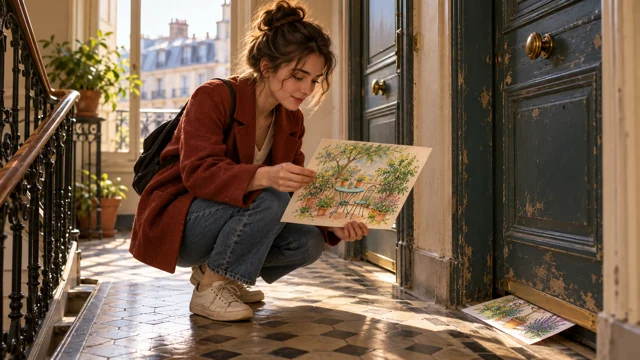
AI Story Video Generator
Turn your idea into an AI story video with characters, dialogue and animated scenes. Create with Express or direct individual shots in FruitStory Studio.

Script to Video AI
Turn your script into an AI video: adapt the text into scenes, characters and dialogue. Create with Express or prepare each shot in FruitStory Studio.
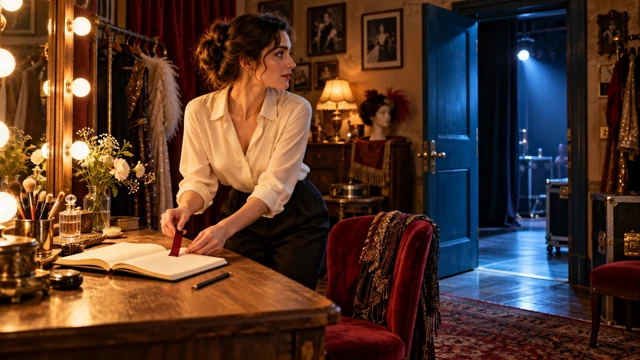
AI Video Continuity: Keep Scenes Consistent
Plan continuity between AI video scenes. Track props, lighting and screen direction with a practical dressing-room example and a shot checklist.