
FruitStory Create with FruitStory
AI Motivational Video Generator
Create motivational videos with AI: a character, a challenge and a visible breakthrough. Write a message of your own and tell it through animated scenes.
The story in pictures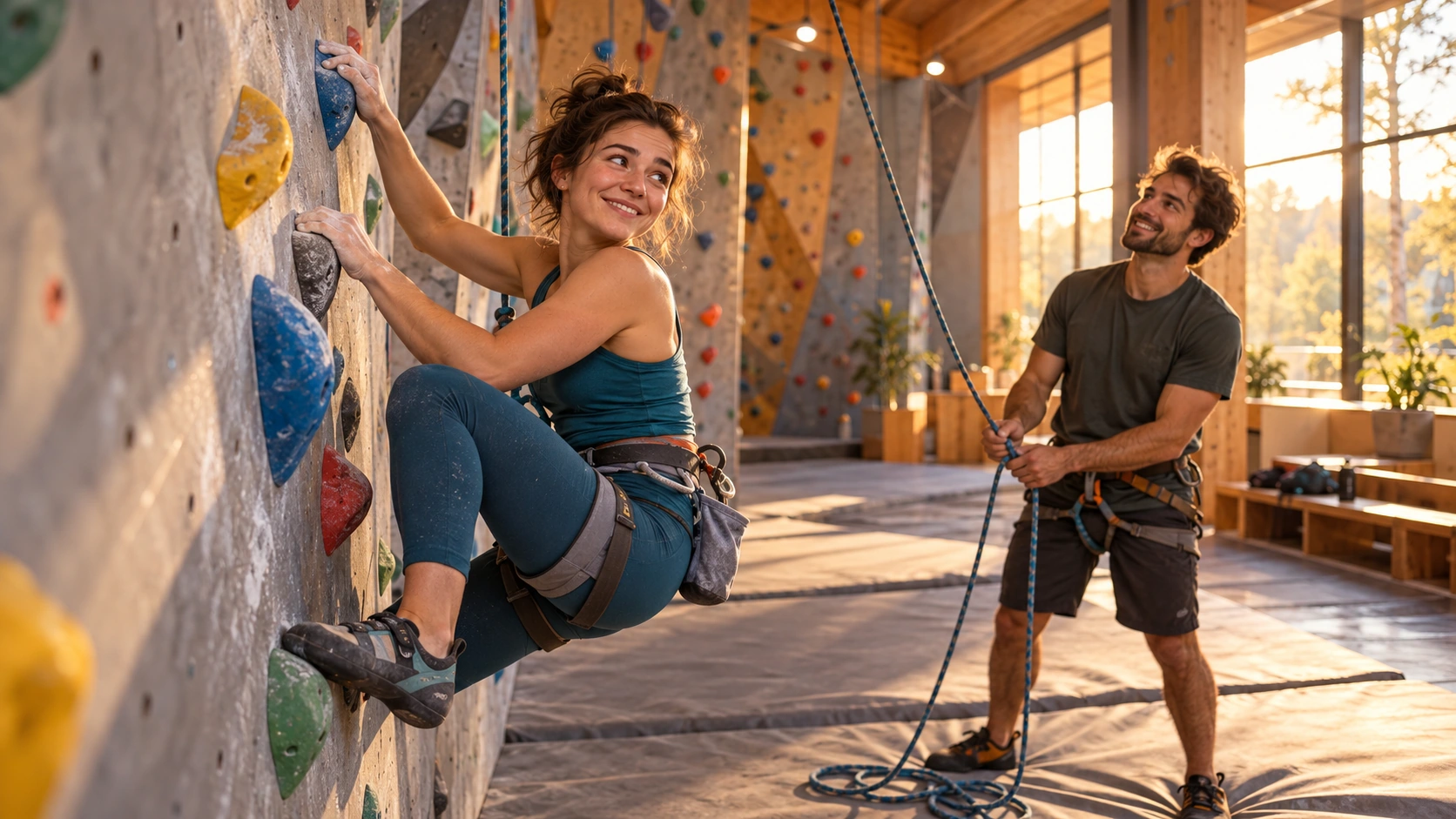
An original scenario you can adapt
The first hold
A small climbing wall in an almost empty gym.
A young adult climber and a friend belaying her.
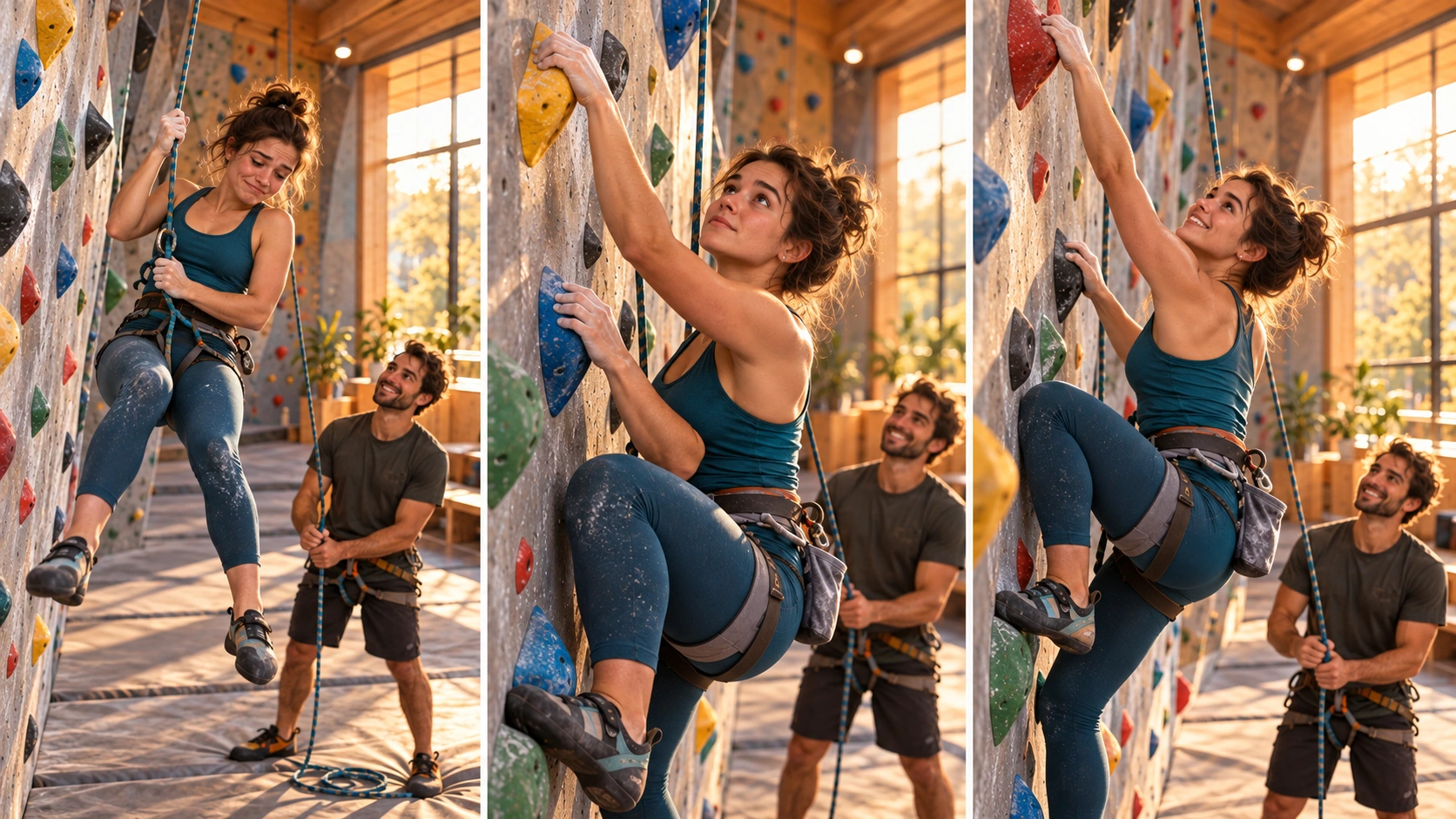
From the first action to the final image
The climber comes down after missing the first hold.
She identifies the next hold and takes a breath.
She moves one step further and her friend smiles.
One way the dialogue could begin
“I barely got anywhere.”
“Further than you did last time.”
The details that shape the scene
Show a specific advance instead of a slogan
The story is about one visible change: reaching a hold that previously seemed impossible. The action gives the friend’s words meaning. Establish the starting point, the effort and the final difference before adding a motivational speech.
Choose an energetic or intimate tone, narration or dialogue. Keep the cast fictional and the text original. This page does not imitate a celebrity or promise personal achievements, income or performance.
The details that shape the scene
Show the effort through movement and breathing.
Write original words rather than copying a celebrity speech or voice.
Give the scene a measured ending instead of a miraculous transformation.
Describe your idea
A place, a character, an action. After signing up, continue with your idea and adapt the story to your intention.
Choose your workflow
Express automates story production. In Studio, prepare references and review images before animating them.
Review and start creating
Choose available options and check the displayed cost before starting. Then review scenes, voices and subtitles.
Before you start
How do I avoid a generic motivational video?
Show a specific obstacle and one small action to overcome it. A character trying again tells a clearer story than slogans with no situation.
Does a motivational video need a voiceover?
You can use narration, dialogue or action alone. If you add text, check its readability on a phone and make sure it supports the image.
Does the button generate a video immediately?
It saves your idea in this tab and opens signup. Creation starts after you choose and launch it in the application. Existing signed-in members continue in the editor.
FruitStory
More ideas to explore

AI YouTube Shorts Generator
Create original AI videos for YouTube Shorts from your ideas, with voices, captions and vertical scenes. Build a new story for your next upload.
AI Story Video Generator
Turn your idea into an AI story video with characters, dialogue and animated scenes. Create with Express or direct individual shots in FruitStory Studio.

Script to Video AI
Turn your script into an AI video: adapt the text into scenes, characters and dialogue. Create with Express or prepare each shot in FruitStory Studio.