
FruitStory Create with FruitStory
AI Educational Video Maker
Create a short educational video with AI: a script, a visual example and animated scenes. Adapt the explanation to your audience and check the facts before posting.
The story in pictures
The details that shape the scene
One concept, one comparison, one check
A short explainer works best when it isolates one phenomenon. State what stays fixed and what changes, then show both situations with the same reference. The script should make the demonstration testable before you ask for visuals.
Generated images may distort physics, numbers or writing. Verify these elements with an appropriate source and correct the edit when needed. This workflow does not automatically turn a PDF into a course or replace a teacher’s review.
An original scenario you can adapt
The growing shadow
A bright workshop with a lamp, a ball and a plain wall.
An adult presenter demonstrating a change of light distance.
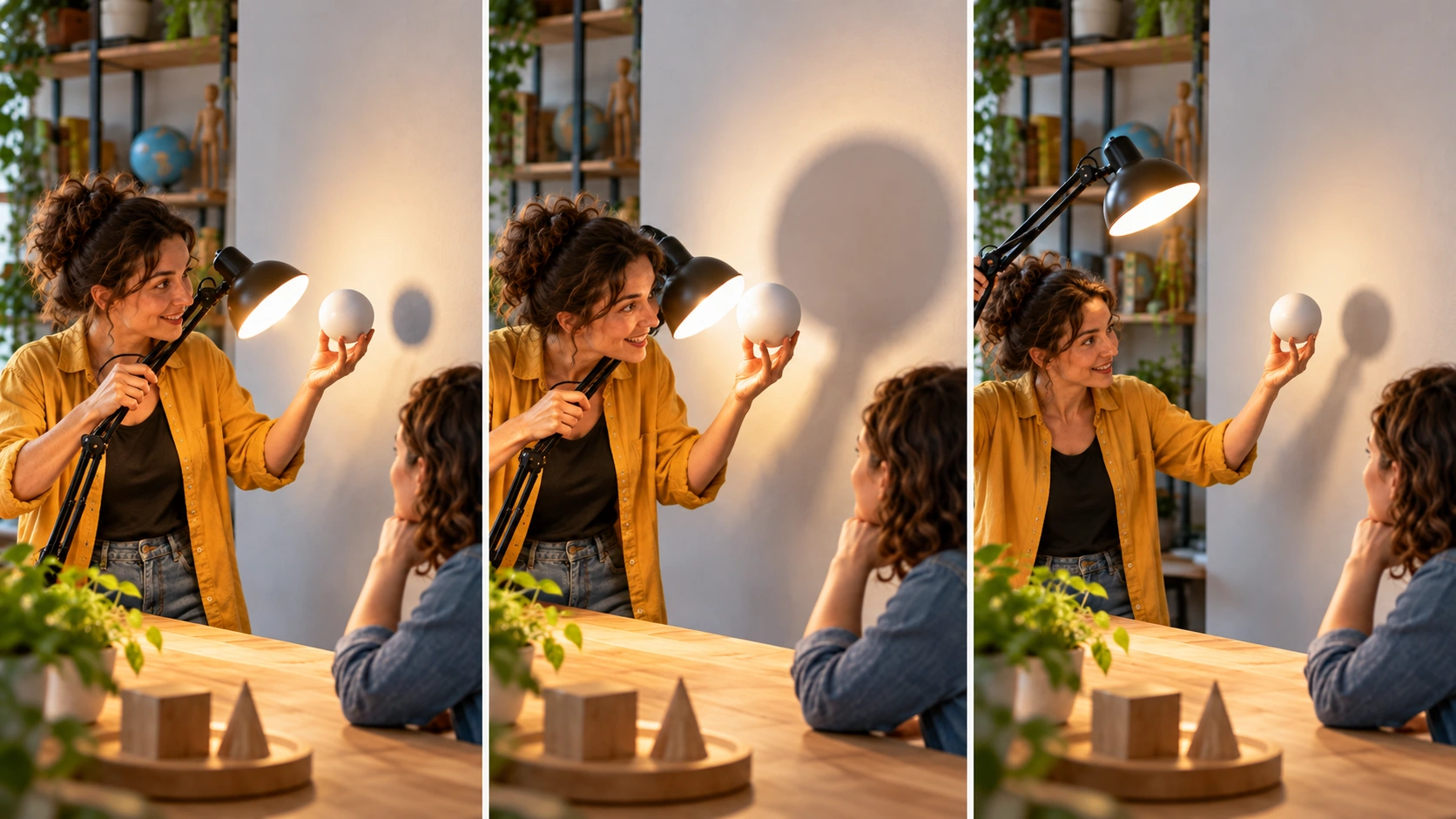
From the first action to the final image
The presenter moves a lamp closer to the ball in front of the wall.
The shadow grows while the ball stays the same size.
She moves the lamp away to compare the two situations.
One way the dialogue could begin
“Did the object grow?”
“Look at the distance from the light.”
The details that shape the scene
Check the phenomenon against a suitable source before production.
Keep a fixed reference so that the comparison makes sense.
Do not rely on the image model to render correct formulas or labels.
Describe your idea
A place, a character, an action. After signing up, continue with your idea and adapt the story to your intention.
Choose your workflow
Express automates story production. In Studio, prepare references and review images before animating them.
Review and start creating
Choose available options and check the displayed cost before starting. Then review scenes, voices and subtitles.
Before you start
How do I explain an idea in an educational video?
Choose what viewers should understand, then show an example and its outcome. One clear concept per sequence helps organise images and explanations.
Can I publish an AI explanation without reviewing it?
Check facts, terminology and diagrams first. A convincing image can contain mistakes; adapt the language to your audience’s knowledge too.
Does the button generate a video immediately?
It saves your idea in this tab and opens signup. Creation starts after you choose and launch it in the application. Existing signed-in members continue in the editor.
FruitStory
More ideas to explore

Script to Video AI
Turn your script into an AI video: adapt the text into scenes, characters and dialogue. Create with Express or prepare each shot in FruitStory Studio.
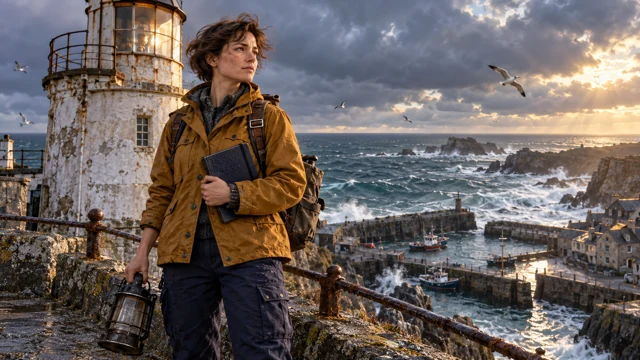
AI Character Generator for Stories
Create an AI character for your videos: face, outfit, silhouette and reference images. Develop a recognisable look, then bring the character into your story.

AI Video Dialogue: Choose the Spoken Language
Choose the language of an AI video’s dialogue. Separate site language from spoken lines and check vocabulary, voices and subtitles in each version.